 Ashutosh Nayak
The Limitations of Traditional Search in ERPNext
ERPNext, a powerful and flexible open-source ERP system, excels in managing various business operations. Its strength lies in structured data and well-defined DocTypes. However, when it comes to searching through unstructured or semi-structured data, the built-in search often falls short. Traditional keyword-based search relies on exact matches, missing out on the nuances of language and the underlying meaning of queries. For instance, a search for 'urgent order for client X' might not return results for 'client X's priority shipment' even if they refer to the same underlying business need. This limitation can hinder user productivity and obscure valuable information trapped within notes, descriptions, emails, or even custom fields that don't lend themselves to simple keyword indexing.
As businesses generate more unstructured data, the need for a more intelligent search mechanism becomes paramount. We need a way to bridge the gap between what a user types and what the system truly understands. This is where semantic search comes into play.
Understanding Semantic Search and Vector Embeddings
Semantic search moves beyond keyword matching to understand the meaning and intent behind a user's query. It achieves this by converting text into numerical representations called vector embeddings. These embeddings capture the semantic essence of words, phrases, or even entire documents. Texts with similar meanings will have vector representations that are close to each other in a high-dimensional space.
How are these embeddings generated? Large Language Models (LLMs) or specialized embedding models are trained on vast amounts of text data. Through this training, they learn the relationships between words and concepts. When you input text into such a model, it outputs a vector (a list of numbers) that represents the semantic content of that input. The magic happens because similar concepts will yield similar vectors.
For example, the words "car", "automobile", and "vehicle" might all produce vectors that are spatially close. Similarly, the sentences "The customer needs this by Friday" and "Urgent delivery request for end of week" would generate embeddings that are closer to each other than to a completely unrelated sentence like "The server requires a software update."
The Role of Vector Databases
Once we have these vector embeddings, we need an efficient way to store and search them. This is where vector databases come in. Unlike traditional relational databases that store data in tables with rows and columns, vector databases are optimized for storing and querying high-dimensional vectors.
Key features of vector databases include:
- Indexing: They employ specialized indexing algorithms (like Hierarchical Navigable Small Worlds - HNSW or Inverted File Index - IVF) to quickly find vectors that are 'close' to a query vector. This is crucial for performance, as brute-force comparison of a query vector against millions of stored vectors would be prohibitively slow.
- Similarity Search: They are designed to perform Approximate Nearest Neighbor (ANN) searches, efficiently retrieving the most similar vectors to a given query vector based on distance metrics like cosine similarity or Euclidean distance.
- Scalability: Many vector databases are designed to handle large volumes of vector data, making them suitable for enterprise applications.
Popular choices for vector databases include Pinecone, Weaviate, Milvus, Qdrant, and even extensions for existing databases like pgvector for PostgreSQL.
Integrating Semantic Search into ERPNext
Integrating semantic search into ERPNext involves a multi-step process, which can be broadly categorized into indexing and querying.
1. Data Preparation and Indexing
This is the most crucial step for building a robust semantic search system.
- Identify Searchable Data: Determine which DocTypes and fields within ERPNext contain valuable information that is currently hard to search. This could include:
Itemdescriptions and specificationsCustomernotes and communication logsSales Order/Purchase Orderspecial instructionsSupport Ticketdescriptions and resolutions- Custom fields containing free-text information
- Extract Text: Develop scripts (likely using Python and the Frappe API) to extract relevant text content from these identified fields across your ERPNext instances.
- Generate Embeddings: Use an embedding model (e.g., from OpenAI, Hugging Face Sentence Transformers, or Google's models) to convert the extracted text into vector embeddings. You'll need to decide on the size and quality of the embeddings based on your needs and the capabilities of your chosen vector database.
- Store Embeddings: Ingest these generated embeddings, along with a reference to the original ERPNext document (e.g., DocType and DocName), into your chosen vector database. This process will likely involve creating a custom background job or scheduler event in Frappe.
2. Querying and Retrieval
When a user performs a search:
- Intercept Search Query: You'll need to intercept the user's search input, potentially before it hits the standard ERPNext search. This could involve creating a custom search app or modifying the UI.
- Generate Query Embedding: Convert the user's search query (the text they entered) into a vector embedding using the same embedding model used for indexing.
- Perform Vector Search: Send this query embedding to your vector database. The database will return a list of the most similar embeddings, along with their corresponding ERPNext document references.
- Retrieve and Rank ERPNext Documents: Use the returned document references to fetch the actual ERPNext records. You can then rank these results based on their similarity scores from the vector search, potentially combining this score with other relevance factors (like recency, importance, or standard ERPNext relevance scores).
- Display Results: Present the ranked list of relevant ERPNext documents to the user.
Technical Considerations and Implementation Details
- Choosing an Embedding Model: The choice of embedding model is critical. Sentence Transformers libraries offer excellent open-source options that can be run locally or on your own infrastructure. For higher accuracy and ease of use, cloud-based embedding APIs (like OpenAI's
text-embedding-ada-002) are viable but introduce external dependencies and costs. - Choosing a Vector Database: For smaller projects or initial prototyping, services like Pinecone offer managed solutions. For more control or integration with existing infrastructure, self-hosted solutions like Qdrant or Milvus, or PostgreSQL with
pgvector, are good options. - Frappe Development: You'll leverage Python scripts, Frappe Bench commands, and potentially custom UI components (using JavaScript/Vue.js) within the Frappe framework. Background workers (like Celery) will be essential for the embedding generation process.
- Performance and Scalability: Indexing large datasets can be time-consuming and resource-intensive. Incremental indexing (updating only new or modified documents) is crucial for ongoing maintenance. The performance of the vector database and the efficiency of your embedding generation pipeline will determine the overall user experience.
- Hybrid Search: For the best results, consider a hybrid approach that combines semantic search with traditional keyword search. This ensures that exact matches are still considered while leveraging semantic understanding for broader relevance.
Real-World Use Cases in ERPNext
- Enhanced Product Discovery: Instead of searching for exact product codes, users could search for "eco-friendly packaging materials for food" and find relevant
Items based on descriptions and attributes. - Improved Customer Support: Support agents could search for solutions to customer issues using natural language, retrieving relevant
Support Tickets or knowledge base articles that share semantic similarities. - Smarter Sales Insights: Sales teams could search for "clients who might need upgrades based on recent purchase history" and identify relevant
Customerrecords orSales Orders. - Efficient Document Retrieval: Finding specific clauses or information within large textual fields of various
DocTypes becomes much faster and more accurate.
Conclusion
While ERPNext is a powerhouse for structured data management, its search capabilities can be significantly amplified by incorporating semantic search. By leveraging vector embeddings and vector databases, you can transform ERPNext's search from a rigid keyword-matching system into an intelligent, context-aware assistant. This not only improves user efficiency but also unlocks the latent value hidden within the vast amounts of unstructured data residing within your ERP system. Implementing semantic search requires careful planning and technical execution, but the resulting improvement in information retrieval can be a game-changer for any business relying on ERPNext.
Related articles

Beyond CRUD: Building Intelligent Search in Frappe/ERPNext
Discover how to go beyond basic search in Frappe/ERPNext by integrating AI-powered semantic search for richer, more intuitive data discovery.

Agentic AI for ERPNext: Automating Complex Business Workflows
Explore how agentic AI can automate intricate business workflows within ERPNext, driving efficiency and intelligent decision-making.
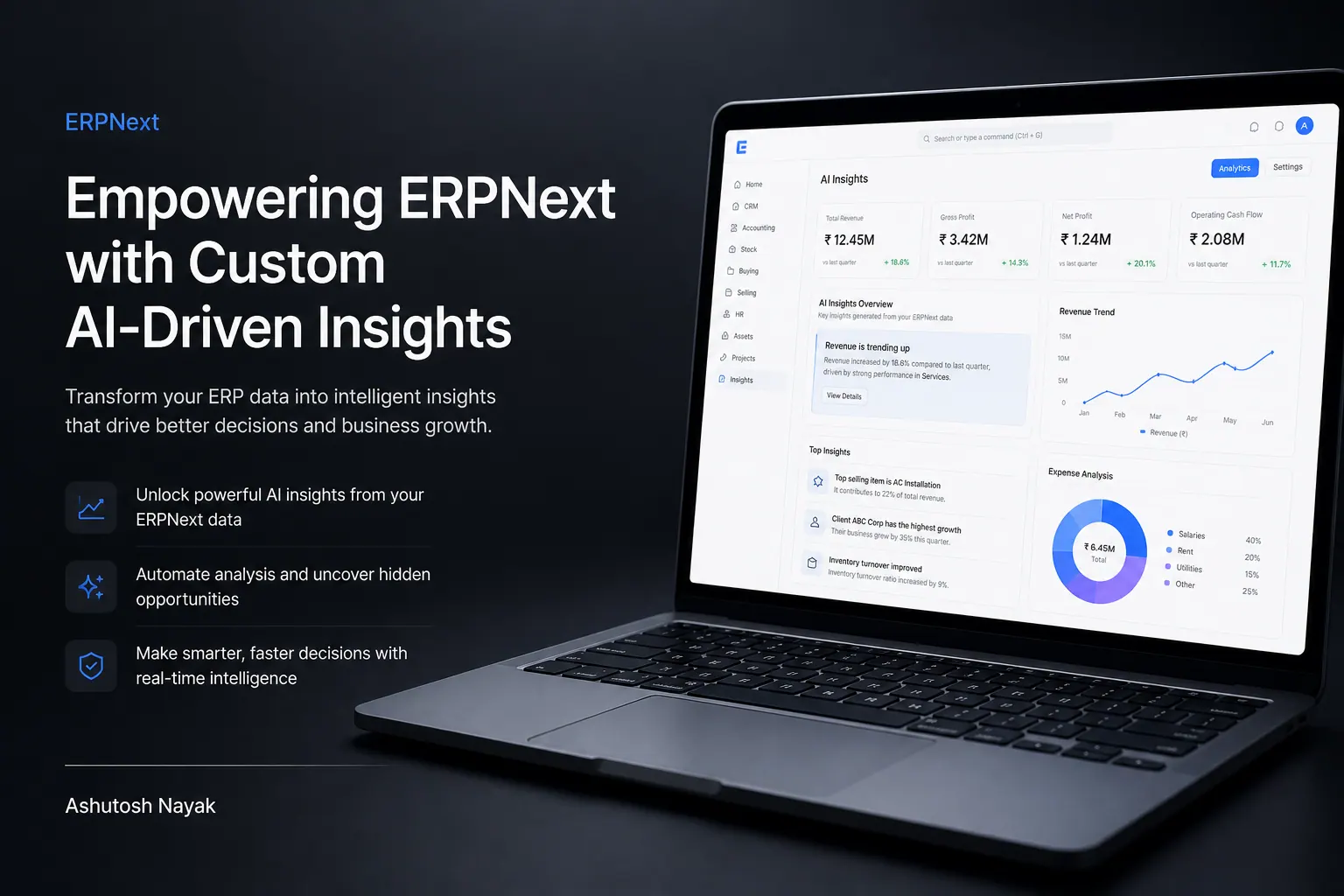
Empowering ERPNext with Custom AI-Driven Insights
Learn how to integrate custom AI models into ERPNext to unlock advanced business insights and automate complex decision-making processes.
Get new articles in your inbox
Occasional writing on AI, ERP and data analytics — no spam, unsubscribe any time.