 Ashutosh Nayak
Beyond Standard Features: The Power of Python in ERPNext
ERPNext is a robust, open-source ERP system that empowers businesses with a comprehensive suite of tools for managing various operations. Its flexibility is one of its core strengths, allowing for extensive customization to meet unique business needs. While the standard configuration handles a vast array of scenarios, there are often complex, niche, or highly specific business logic requirements that go beyond what can be achieved through standard customizations like custom fields, print formats, or even server scripts in certain contexts. This is precisely where the power of custom Python scripting within the Frappe framework truly shines.
For those familiar with ERPNext, you'll know that it's built upon the Frappe framework, a full-stack web framework written in Python. This inherent use of Python makes it incredibly accessible for developers to extend and tailor the system. This blog post will delve into why and how you can leverage custom Python scripting to unlock the full potential of your ERPNext instance, going beyond the readily available features.
Why Python Scripting for ERPNext Customization?
Several compelling reasons make Python scripting the go-to solution for advanced ERPNext customization:
- Unparalleled Flexibility: Python is a versatile, high-level language. It grants you the ability to implement virtually any business logic, integrate with external systems, perform complex data manipulations, and create sophisticated automated workflows that are simply not possible with declarative tools alone.
- Seamless Integration: As Frappe is Python-based, custom Python scripts integrate seamlessly with the framework's core. You can directly access and manipulate ERPNext data, interact with its APIs, and trigger framework events with ease.
- Scalability and Performance: Python, when written efficiently, can handle complex computations and large datasets. This means your custom scripts can scale with your business growth without compromising performance.
- Code Reusability and Maintainability: Well-structured Python code is inherently reusable and maintainable. This allows for modular development, making it easier to update, debug, and extend your customizations over time.
- Leveraging Existing Libraries: The vast Python ecosystem offers countless libraries for everything from data science (Pandas, NumPy) to API interactions (Requests) and more. You can leverage these powerful libraries within your ERPNext scripts, saving development time and enhancing functionality.
Common Use Cases for Custom Python Scripts in ERPNext
Let's explore some practical scenarios where custom Python scripting can significantly enhance your ERPNext implementation:
1. Complex Business Logic Automation
Many businesses have unique rules for pricing, discounts, approvals, or inventory management that are not covered by standard ERPNext workflows. Custom Python scripts can implement these intricate rules. For example:
- Tiered Pricing Logic: Automatically applying different pricing based on customer groups, order volume, or specific product combinations.
- Conditional Discount Application: Implementing complex discount structures that depend on multiple factors, such as historical purchase data, promotion codes, and item categories.
- Advanced Approval Workflows: Creating approval processes that involve multiple stages, conditional routing, and notifications based on custom criteria, such as budget limits or project phases.
2. Data Validation and Transformation
While ERPNext offers some data validation, custom scripts can enforce much stricter or more nuanced rules.
- Cross-Doc Validation: Ensuring data consistency across different DocumentTypes. For instance, verifying that a sales order's total value doesn't exceed a customer's credit limit, considering pending payments and open orders.
- Data Cleansing and Enrichment: Before or after saving a document, scripts can clean up data (e.g., standardizing addresses) or enrich it by fetching information from external sources (e.g., adding industry codes based on company names).
3. Third-Party Integrations
Connecting ERPNext with other software is crucial for a unified business ecosystem. Python's requests library and its vast integration capabilities make this straightforward.
- API Integrations: Connecting with external CRM systems, e-commerce platforms, payment gateways, shipping carriers, or tax calculation services.
- Data Synchronization: Developing scripts to synchronize data between ERPNext and other systems, ensuring data accuracy and reducing manual data entry.
4. Scheduled Background Tasks
Beyond real-time operations, scripts can be scheduled to run at specific intervals to perform routine tasks.
- Automated Reporting: Generating custom reports or dashboards that require complex data aggregation and are needed periodically.
- Data Archiving: Moving old, inactive data to an archive for performance optimization and compliance.
- Periodic Data Updates: Fetching exchange rates, stock prices, or other external data and updating relevant records in ERPNext.
5. Enhancing User Experience
Scripts can also be used to improve the usability of ERPNext for end-users.
- Dynamic Form Behavior: Modifying form fields, their visibility, or their values dynamically based on user input or other data points.
- Automated Document Creation: Generating child documents or related records automatically when a parent document is saved, based on predefined rules.
How to Implement Custom Python Scripts in ERPNext
Frappe provides several mechanisms for running custom Python code:
- Server Scripts: These are the most common and straightforward way to execute custom Python code. You can define them within the ERPNext UI under
Setup > Server Script. These scripts can be triggered on document save, on submission, or run as standalone scripts. They have access to the full Frappe API. - Custom App Development: For more extensive or complex customizations, developing a custom Frappe app is the recommended approach. This involves creating a separate Python package that hooks into ERPNext's functionality. This keeps your customizations organized, version-controlled, and easier to manage and deploy.
- DocType Server Scripts: You can add Python scripts directly to individual DocTypes. These scripts can define
validate,on_update,on_submit,before_cancel, and other custom methods that are executed at specific points in the document lifecycle.
Example: A Simple Server Script
Let's say we want to automatically set the delivery_date for a Sales Order to be 7 days after the order_date if no delivery_date is explicitly provided.
-
Navigate to
Setup > Server Scriptin ERPNext. -
Click
New Server Script. -
Set
Script TypetoDocType Event. -
Set
Reference DocTypetoSales Order. -
Set
EventtoBefore Save. -
In the
Scriptfield, enter the following Python code:from frappe.utils import add_days if not doc.delivery_date and doc.order_date: doc.delivery_date = add_days(doc.order_date, 7) -
Save the script.
Now, whenever a Sales Order is saved, if delivery_date is empty but order_date is present, it will automatically be populated with a date 7 days in the future. This is a simple illustration, but the principle extends to far more complex logic.
Best Practices for Custom Scripting
While powerful, custom scripting requires careful planning and execution:
- Understand the Core: Before writing custom scripts, thoroughly understand ERPNext's standard functionality and data models. Avoid reinventing the wheel.
- Keep it Modular: Break down complex logic into smaller, reusable functions.
- Error Handling: Implement robust error handling (e.g.,
try-exceptblocks) to prevent script failures from crashing the system and to log issues effectively. - Logging: Use
frappe.log_error()orfrappe.logger()to record script execution details, warnings, and errors for debugging and auditing. - Performance Optimization: Be mindful of database queries. Use
frappe.db.get_valueorfrappe.get_docefficiently. Avoid N+1 query problems. Profile your scripts if performance becomes an issue. - Version Control: Use a version control system (like Git) for all your custom scripts, especially when developing within a custom app. This is crucial for tracking changes and rolling back if necessary.
- Testing: Thoroughly test your scripts in a staging environment before deploying them to production. Cover various scenarios, including edge cases and error conditions.
- Documentation: Document your custom scripts, explaining their purpose, logic, dependencies, and how to use them.
Conclusion
Custom Python scripting is not just an enhancement for ERPNext; it's a fundamental tool for unlocking its true potential. By carefully leveraging Python's capabilities within the Frappe framework, businesses can automate intricate processes, enforce unique business rules, integrate with external systems, and ultimately gain a competitive edge. Whether you're implementing simple automations or complex business logic, a well-crafted Python script can transform your ERPNext instance into a perfectly tailored solution for your specific operational needs. As an AI & ML Engineer and ERPNext Developer, I see this as a crucial bridge between robust ERP functionality and the intelligent automation that modern businesses demand.
Related articles

Unlocking ERPNext Potential with Custom Python Scripts
Learn how to leverage custom Python scripts to extend ERPNext functionality, automate tasks, and gain deeper business insights. Essential for developers and power users.
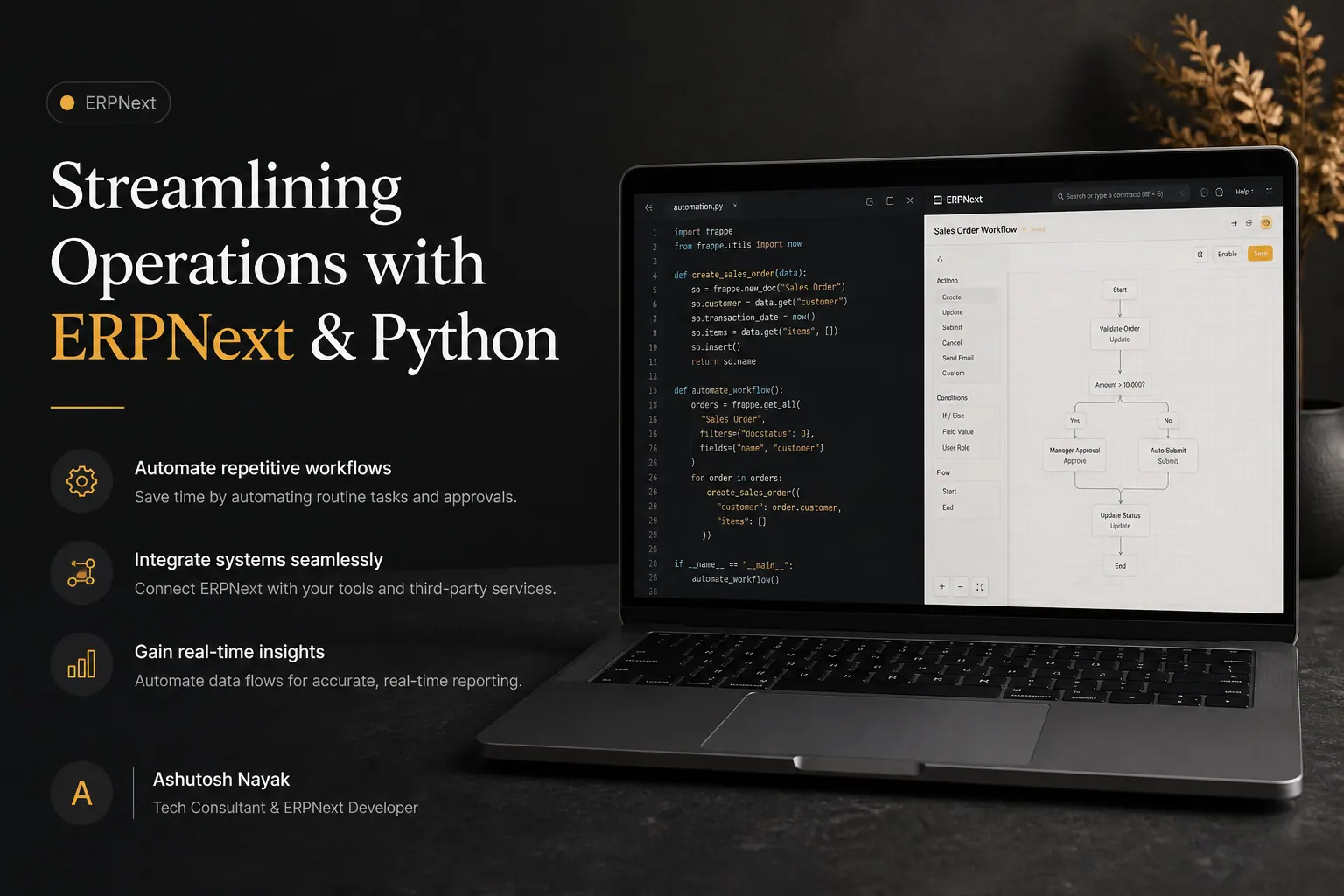
Streamlining Operations with ERPNext & Python
Learn how integrating Python with ERPNext can automate tasks, enhance workflows, and drive efficiency for your business. Unlock the full potential of your ERP.

Empowering ERPNext with Python: Advanced Data Manipulation
Unlock the full potential of your ERPNext data. Learn advanced Python techniques for sophisticated data manipulation, reporting, and automation.
Get new articles in your inbox
Occasional writing on AI, ERP and data analytics — no spam, unsubscribe any time.