 Ashutosh Nayak
Introduction
ERPNext, built on the robust Frappe framework, is a powerful open-source ERP system that empowers businesses to manage their operations efficiently. While its out-of-the-box functionalities are extensive, the true magic often lies in its customizability. As an AI & ML Engineer and Frappe/ERPNext Developer, I've consistently found that integrating Python for advanced data manipulation unlocks significant value, moving beyond simple data entry and basic reporting to sophisticated analytics and automation. This post will delve into practical, advanced Python techniques specifically tailored for enhancing your ERPNext experience.
We'll explore how to leverage Python's capabilities within the Frappe environment to tackle complex data challenges, streamline workflows, and gain deeper insights. This isn't about basic scripting; it's about employing Python's rich ecosystem to solve real-world business problems within your ERP system.
Beyond Basic Scripting: Context and Core Concepts
Before diving into specific techniques, it's crucial to understand the context in which Python operates within Frappe. Frappe's server-side scripting engine allows you to write Python code that executes within the framework. This means you have direct access to the database (via Frappe's ORM), business logic hooks, and the ability to interact with various Frappe Document types. The core concepts to keep in mind are:
- Frappe ORM: Understanding how to fetch, create, update, and delete documents programmatically. This is the foundation of any server-side scripting.
- Hooks: Frappe's hook system allows you to execute your Python code at specific points in the application lifecycle (e.g., before/after saving a document, before/after fetching a list).
- DocTypes: These are the fundamental data structures in Frappe/ERPNext. Python scripts will primarily interact with these.
- Server Scripts: The primary mechanism for running custom Python code server-side.
Advanced Data Fetching and Filtering
While Frappe's list views and basic filters are useful, complex scenarios demand more granular control. Python allows for sophisticated data fetching that can significantly improve performance and accuracy.
1. Custom Queries with frappe.get_list and frappe.db.get_value
For retrieving specific fields or performing complex joins that the ORM might abstract away, frappe.get_list is your best friend. It allows you to construct queries closer to SQL, but within the Frappe ORM context.
# Fetching specific fields and applying filters
tasks = frappe.get_list("Task",
                     filters={"status": "Open", "priority": "High"},
                     fields=["name", "subject", "owner", "due_date"],
                     order_by="due_date ASC",
                     limit=10)

for task in tasks:
    frappe.msgprint(f"Task: {task.subject} assigned to {task.owner} is due on {task.due_date}")

# Fetching a single value
company_name = frappe.db.get_value("Company", "MyERPNextCompany", "address")
frappe.log_error(f"Company address: {company_name}")
This is particularly useful for performance optimization when you only need a subset of fields from a large DocType. Instead of fetching the entire document object, you fetch only the necessary data.
2. Programmatic Filtering Beyond Standard UI Options
Sometimes, filtering conditions are too dynamic or complex for standard UI filters. Python enables you to build these filters programmatically.
# Example: Find customers with outstanding invoices exceeding a certain amount AND not contacted in the last 30 days
from frappe.utils import date_diff
from datetime import datetime, timedelta

thirty_days_ago = datetime.now() - timedelta(days=30)

# Get customers with outstanding invoices over $1000
customers_with_large_invoices = set()
for invoice in frappe.get_list("Sales Invoice",
                               filters={"status": "Unpaid"},
                               fields=["name", "customer", "grand_total"]):
    if invoice.grand_total > 1000:
        customers_with_large_invoices.add(invoice.customer)

# Get customers contacted recently
recent_contacts = set()
for communication in frappe.get_list("Communication",
                                    filters={"reference_doctype": "Customer", "communication_type": "Email"},
                                    fields=["reference_name", "creation"]):
    if date_diff(datetime.now(), communication.creation) < 30:
        recent_contacts.add(communication.reference_name)

# Find customers who meet both criteria
customers_to_target = list(customers_with_large_invoices - recent_contacts)

if customers_to_target:
    frappe.log_info(f"Customers to target: {customers_to_target}")
else:
    frappe.log_info("No customers to target based on criteria.")
This script demonstrates combining data from multiple DocTypes (Sales Invoice, Communication) and applying custom logic to identify a specific customer segment. This kind of complex segmentation is invaluable for targeted marketing or sales efforts.
Automating Complex Workflows with Server Scripts and Hooks
Beyond data retrieval, Python shines in automating complex business processes that might involve multiple steps, conditional logic, or interactions between different parts of your ERP.
1. Triggering Actions on Document Events
Using Frappe's hooks, you can execute Python logic automatically when certain events occur. This is powerful for enforcing business rules, updating related documents, or initiating background processes.
For example, let's say you want to automatically create a follow-up task for a salesperson whenever a Sales Order is submitted but not yet Shipped.
In your custom app's hooks.py:
# hooks.py

def after_sales_order_submit(doc, *args, **kwargs):
    if doc.status != "Shipped":
        # Create a follow-up task
        frappe.get_doc({
            "doctype": "Task",
            "subject": f"Follow up on Sales Order {doc.name}",
            "assigned_to": doc.owner, # Or a specific user/team
            "status": "Open",
            "due_date": frappe.utils.add_days(frappe.utils.today(), 3),
            "reference_doctype": "Sales Order",
            "reference_name": doc.name
        }).insert(ignore_permissions=True)

frappe.msgprint("Follow-up task created.")

after_insert = [
    "your_app.your_module.your_script.after_sales_order_submit",
]
This after_sales_order_submit function gets called automatically by Frappe after a Sales Order is successfully submitted. It checks if the order is not yet shipped and then creates a new Task document, linking it back to the Sales Order. This automates a crucial follow-up step, ensuring no opportunity falls through the cracks.
2. Scheduled Jobs for Batch Processing
Scheduled jobs (using frappe.schedule) are ideal for tasks that need to run periodically, such as generating reports, cleaning up old data, or performing batch updates. This is akin to cron jobs but integrated within the Frappe ecosystem.
Imagine you need to send out monthly account statements to all customers with outstanding balances.
In a server script (.py file):
# your_app/your_module/batch_statements.py

def send_monthly_statements():
    customers = frappe.get_list("Customer",
                              filters={"credit_limit": (">", 0)},
                              fields=["name", "email_id"])

    for customer in customers:
        outstanding_amount = frappe.db.get_value("Sales Invoice",
                                              filters={"customer": customer.name, "status": "Unpaid"},
                                              fieldname="SUM(grand_total)")

        if outstanding_amount and outstanding_amount > 0:
            # Logic to generate statement PDF (complex, may involve reporting tools)
            # For simplicity, we'll just log an email trigger
            frappe.sendmail(
                recipients=[customer.email_id],
                subject=f"Your Monthly Statement - Outstanding Balance: {outstanding_amount:.2f}",
                message=f"Dear {customer.name},

Your current outstanding balance is {outstanding_amount:.2f}. Please find your statement attached.

Regards,
Your Company",
                # attachments=[statement_pdf_path]
            )
            frappe.log_info(f"Statement sent to {customer.name}")

# To schedule this job, you would add it to your app's scheduler.json or use frappe.schedule decorator
# Example (if using a dedicated scheduler file):
# {
#   "ref_doctype": "Your DocType",
#   "method": "your_app.your_module.batch_statements.send_monthly_statements",
#   "schedule_interval": "Daily", # Or Monthly, Weekly, etc.
#   "time_of_day": "02:00:00"
# }
This script iterates through customers, calculates outstanding balances, and simulates sending an email. In a real-world scenario, the statement generation would involve more complex PDF creation logic, possibly using libraries like reportlab or Frappe's built-in reporting capabilities.
Data Transformation and Enrichment
Python's libraries can be used for data transformation and enrichment directly within ERPNext, preparing data for analysis or integration with other systems.
1. Data Cleaning and Standardization
While Frappe has validation rules, Python offers a more flexible approach to cleaning and standardizing data before or after it's entered.
# Example: Standardize phone numbers in Contacts DocType
def standardize_phone_numbers():
    contacts = frappe.get_list("Contact",
                              fields=["name", "phone", "phone_mobile"])

    for contact in contacts:
        if contact.phone:
            standardized_phone = re.sub(r'[^0-9]', '', contact.phone) # Remove non-digits
            if len(standardized_phone) == 10:
                standardized_phone = "+1" + standardized_phone # Add country code if needed
            frappe.db.set_value("Contact", contact.name, "phone", standardized_phone)

        if contact.phone_mobile:
            standardized_mobile = re.sub(r'[^0-9]', '', contact.phone_mobile)
            if len(standardized_mobile) == 10:
                standardized_mobile = "+1" + standardized_mobile
            frappe.db.set_value("Contact", contact.name, "phone_mobile", standardized_mobile)

    frappe.log_info("Phone numbers standardized.")

# This could be run as a server script or a scheduled job.
This script uses regular expressions to clean up phone number formats, ensuring consistency. This is crucial for reliable communication and integration with dialers or SMS gateways.
2. Enriching Data with External Information
Python's ability to make API calls opens up possibilities for enriching your ERP data. For instance, you could enrich customer records with geographical data based on their address.
# Example: Geocode customer addresses (requires an external geocoding API)
# Assuming you have a function `geocode_address(address)` that returns lat/lon
def geocode_customer_addresses():
    customers = frappe.get_list("Customer",
                              fields=["name", "address_line1", "city", "state", "pincode"])

    for customer in customers:
        full_address = f"{customer.address_line1}, {customer.city}, {customer.state} {customer.pincode}"
        if customer.pincode and not customer.get('latitude'): # Avoid re-geocoding
            try:
                # Replace with your actual geocoding API call
                # For demonstration, assuming a mock function `get_lat_lon_from_address`
                lat_lon = get_lat_lon_from_address(full_address)
                if lat_lon:
                    frappe.db.set_value("Customer", customer.name, "latitude", lat_lon['lat'])
                    frappe.db.set_value("Customer", customer.name, "longitude", lat_lon['lon'])
                    frappe.log_info(f"Geocoded customer {customer.name}")
            except Exception as e:
                frappe.log_error(f"Could not geocode {customer.name}: {e}")

# Mock function for demonstration
def get_lat_lon_from_address(address):
    # In a real scenario, this would call a service like Google Maps Geocoding API, OpenStreetMap Nominatim, etc.
    # For testing, return dummy data if address seems valid
    if "New York" in address: return {'lat': 40.7128, 'lon': -74.0060}
    return None
Adding latitude and longitude to customer records can be invaluable for spatial analysis, territory planning, or integrating with mapping tools. This demonstrates how Python can bridge ERP data with external services.
Conclusion
ERPNext is a versatile platform, and Python is its most powerful extension. By moving beyond basic scripting and embracing advanced data manipulation, automation, and integration techniques, you can unlock unprecedented levels of efficiency and insight from your ERP data. Whether it's complex reporting, proactive workflow automation, or data enrichment, Python empowers you to tailor ERPNext precisely to your business needs.
Start by identifying a pain point or an area where manual effort is high. Then, explore how Python, leveraging the Frappe framework's capabilities, can provide an elegant and automated solution. The journey of deep customization is rewarding, and with Python, the possibilities for optimizing your ERPNext instance are virtually limitless.
As an AI & ML Engineer, I see these custom Python scripts as foundational steps towards more intelligent automation within ERPNext. They prepare the data and build the infrastructure for more advanced AI/ML applications down the line. Happy coding!
Related articles

Unlocking ERPNext Potential with Custom Python Scripting
Discover how custom Python scripts can extend ERPNext's capabilities, automate workflows, and drive business efficiency beyond standard configurations.

Unlocking ERPNext Potential with Custom Python Scripts
Learn how to leverage custom Python scripts to extend ERPNext functionality, automate tasks, and gain deeper business insights. Essential for developers and power users.
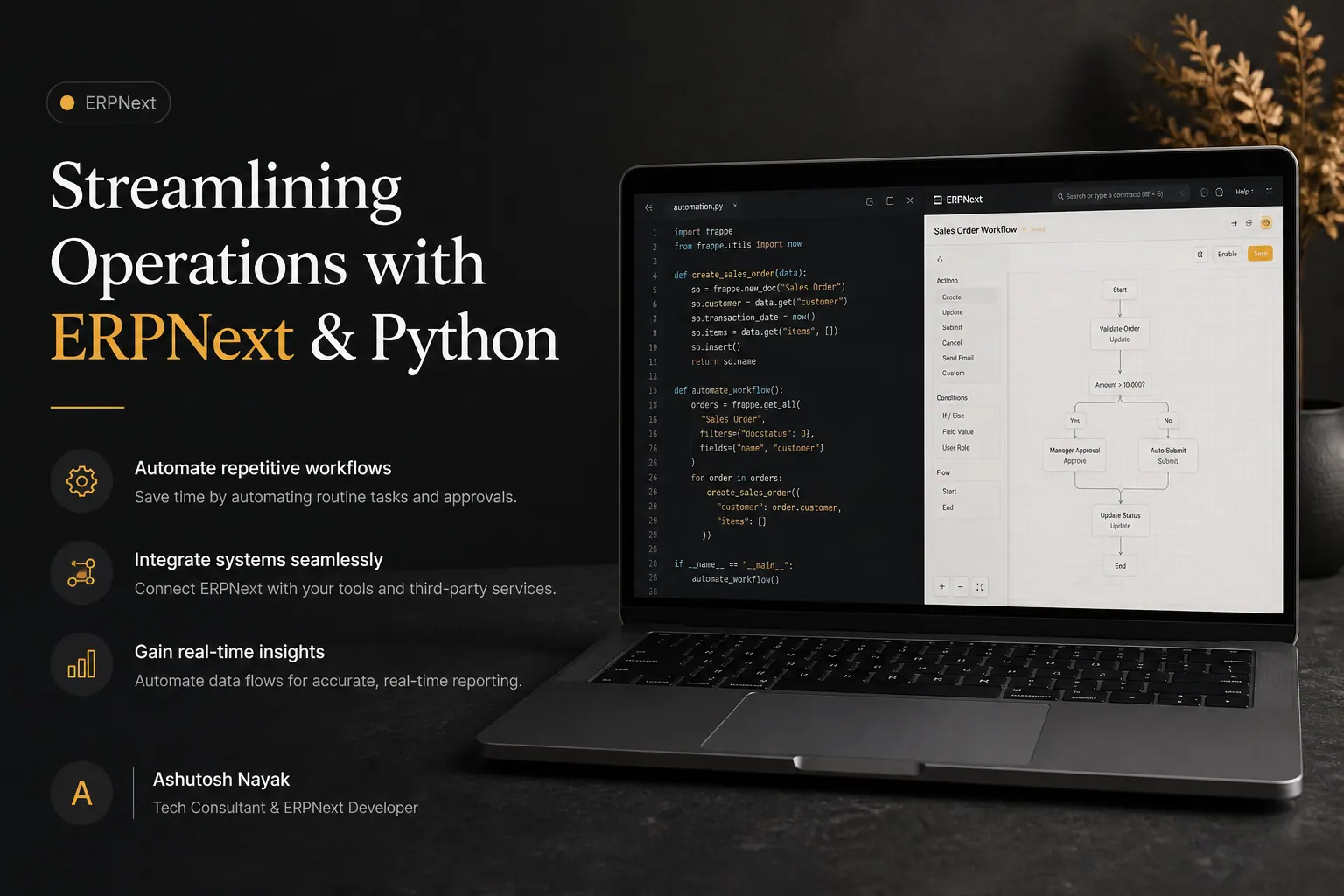
Streamlining Operations with ERPNext & Python
Learn how integrating Python with ERPNext can automate tasks, enhance workflows, and drive efficiency for your business. Unlock the full potential of your ERP.
Get new articles in your inbox
Occasional writing on AI, ERP and data analytics — no spam, unsubscribe any time.