 Ashutosh Nayak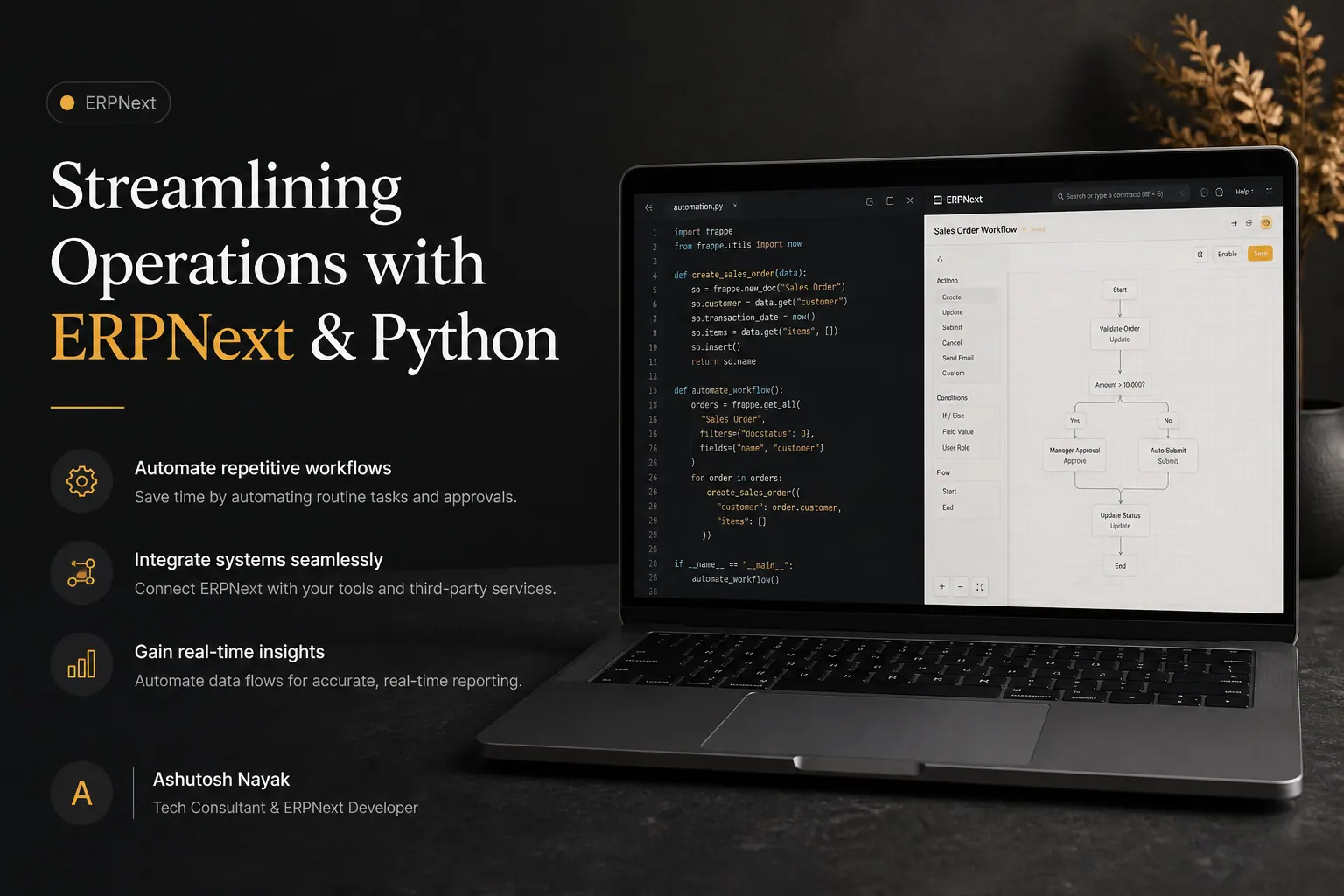
The Power of Integration: ERPNext and Python
ERPNext, a leading open-source Enterprise Resource Planning system, offers a robust suite of tools for managing various business operations. From accounting and CRM to inventory and project management, it provides a centralized platform for business data. However, to truly unlock its potential and tailor it to specific business needs, integration with powerful scripting languages like Python becomes indispensable. Ashutosh Nayak, with his dual expertise in ERPNext development and Python, often leverages this synergy to build custom solutions that streamline workflows, automate repetitive tasks, and drive significant operational efficiencies.
This post delves into the practical ways Python can be integrated with ERPNext to enhance its functionality, going beyond standard customizations. We'll explore common use cases, demonstrate how these integrations can be implemented, and highlight the benefits they bring to businesses.
Why Python for ERPNext Integration?
Python's popularity in the development world isn't accidental. Its clear syntax, extensive libraries, and strong community support make it an ideal choice for extending ERPNext's capabilities. Here's why it's a perfect fit:
- Readability and Ease of Use: Python's straightforward syntax makes it easier to write, understand, and maintain code, reducing development time and the learning curve for new team members.
- Vast Ecosystem of Libraries: Python boasts an incredible array of libraries for data manipulation (Pandas), web scraping (BeautifulSoup, Scrapy), API interaction (Requests), machine learning (Scikit-learn, TensorFlow), and much more. These libraries can be leveraged within ERPNext to perform complex operations.
- Frappe Framework Synergy: ERPNext is built on the Frappe framework, which has excellent support for Python. You can write custom server-side scripts, define custom doctypes, and build custom applications directly within the Frappe environment using Python.
- Automation Capabilities: Python excels at automating tasks. Whether it's fetching data from external APIs, processing large datasets, or generating reports, Python scripts can automate these processes, freeing up valuable human resources.
- Scalability: Python, when used correctly within the Frappe framework, can support scalable solutions, allowing your ERPNext implementation to grow with your business.
Practical Use Cases for Python in ERPNext
Let's explore some concrete examples of how Python can be used to enhance ERPNext:
1. Advanced Data Import and Export
While ERPNext offers basic import/export functionalities, complex data migrations or scheduled data synchronizations often require more sophisticated tools. Python, with libraries like Pandas, can handle intricate data transformations, cleaning, and validation before importing data into ERPNext. Similarly, for exporting data, Python scripts can fetch data from multiple doctypes, join them, perform calculations, and format the output into custom reports or structured files (CSV, Excel, JSON) for external systems.
Example Scenario: Automatically importing daily sales data from a third-party e-commerce platform's API into ERPNext Sales Orders. A Python script can periodically call the e-commerce API, retrieve new orders, transform the data to match ERPNext's Sales Order structure, and then create the Sales Order documents via ERPNext's API.
2. Custom Business Logic and Workflow Automation
ERPNext's built-in workflow engine is powerful, but sometimes custom business logic needs to be implemented. Python scripts, triggered by specific events (e.g., on save, on submit, on deletion of a document), can execute complex business rules. This could involve dynamic pricing calculations, cross-referencing inventory levels with sales demands, or updating related documents based on intricate conditions.
Example Scenario: When a new Purchase Order is submitted for a specific item category, a Python script could automatically check for available stock. If stock is below a defined threshold, it might automatically generate a draft Purchase Request for the same item, streamlining the reordering process.
3. API Integrations with Third-Party Services
Most businesses rely on multiple software solutions. Integrating ERPNext with other applications (e.g., shipping carriers, payment gateways, marketing automation tools, analytics platforms) is crucial for seamless data flow. Python's Requests library makes it straightforward to interact with RESTful APIs. You can write scripts to push data from ERPNext to external systems or pull data from external systems to create or update documents within ERPNext.
Example Scenario: Integrating with a shipping provider's API. When a Sales Order is marked as 'Shipped' in ERPNext, a Python script can extract shipping details (customer address, item quantity) and send this information to the shipping provider's API to generate a shipping label and schedule a pickup. The tracking number returned by the API can then be automatically updated back into the ERPNext Sales Order.
4. Advanced Reporting and Data Analysis
While ERPNext provides various reports, custom analytical needs often arise. Python, combined with libraries like Pandas and NumPy, can perform sophisticated data analysis directly on ERPNext's underlying database (MariaDB/PostgreSQL). You can build custom reports that aggregate data in unique ways, perform statistical analysis, or even build predictive models using ML libraries.
Example Scenario: Analyzing customer purchase history to identify high-value customers or predict future purchasing behavior. A Python script could query sales data, group it by customer, calculate lifetime value, and flag customers who meet certain criteria. This analysis could then be presented as a custom report within ERPNext or exported for further marketing campaigns.
5. Scheduled Background Tasks
Many business processes need to run automatically in the background, such as sending out automated reminders, generating periodic summaries, or performing data clean-up tasks. ERPNext's built-in scheduler and custom Python scripts can automate these operations.
Example Scenario: Sending automated email reminders to customers for upcoming invoice payments. A Python script can be scheduled to run daily, query for invoices due in the next X days, and send out personalized reminder emails using ERPNext's email functionality.
Implementation Approaches
There are several ways to implement Python integrations within ERPNext:
- Server Scripts (Python): Frappe allows you to write custom Python scripts that can be executed on the server. These scripts can be triggered by events, scheduled tasks, or called directly via API endpoints.
- Custom Doctype Python Classes: You can define custom Python classes associated with your custom doctypes to encapsulate business logic that runs when actions are performed on those doctypes.
- Background Workers (RQ/Celery): For long-running or resource-intensive tasks, you can use task queues like RQ (Redis Queue) or Celery to run Python scripts asynchronously in the background without blocking the main ERPNext web server.
- External Python Applications: You can also develop independent Python applications that interact with ERPNext via its REST API. This is useful for complex standalone tools or integrations that don't need to run within the Frappe framework itself.
The Role of an Expert
While the potential for Python integration is vast, successful implementation requires a deep understanding of both ERPNext's architecture and Python's capabilities. An experienced AI & ML Engineer and ERPNext Developer like Ashutosh Nayak can:
- Assess Business Needs: Identify the most impactful areas where Python integration can provide the greatest ROI.
- Design Robust Solutions: Architect scalable, efficient, and maintainable integrations.
- Develop Custom Scripts: Write clean, well-documented Python code tailored to specific requirements.
- Ensure Data Integrity: Implement measures to prevent data corruption and maintain consistency.
- Optimize Performance: Fine-tune scripts and integrations for optimal speed and resource utilization.
Conclusion
ERPNext is a powerful ERP system, but its true potential is unlocked when it's seamlessly integrated with custom logic and automated processes. Python provides the flexibility, power, and ecosystem to achieve this. By strategically leveraging Python for advanced data handling, custom workflows, API integrations, and automated tasks, businesses can transform their ERPNext instance into a highly customized and efficient operational hub. The synergy between ERPNext and Python is a testament to how modern technology can be harnessed to drive business growth and operational excellence.
Related articles

Unlocking ERPNext Potential with Custom Python Scripting
Discover how custom Python scripts can extend ERPNext's capabilities, automate workflows, and drive business efficiency beyond standard configurations.

Unlocking ERPNext Potential with Custom Python Scripts
Learn how to leverage custom Python scripts to extend ERPNext functionality, automate tasks, and gain deeper business insights. Essential for developers and power users.

Empowering ERPNext with Python: Advanced Data Manipulation
Unlock the full potential of your ERPNext data. Learn advanced Python techniques for sophisticated data manipulation, reporting, and automation.
Get new articles in your inbox
Occasional writing on AI, ERP and data analytics — no spam, unsubscribe any time.