 Ashutosh Nayak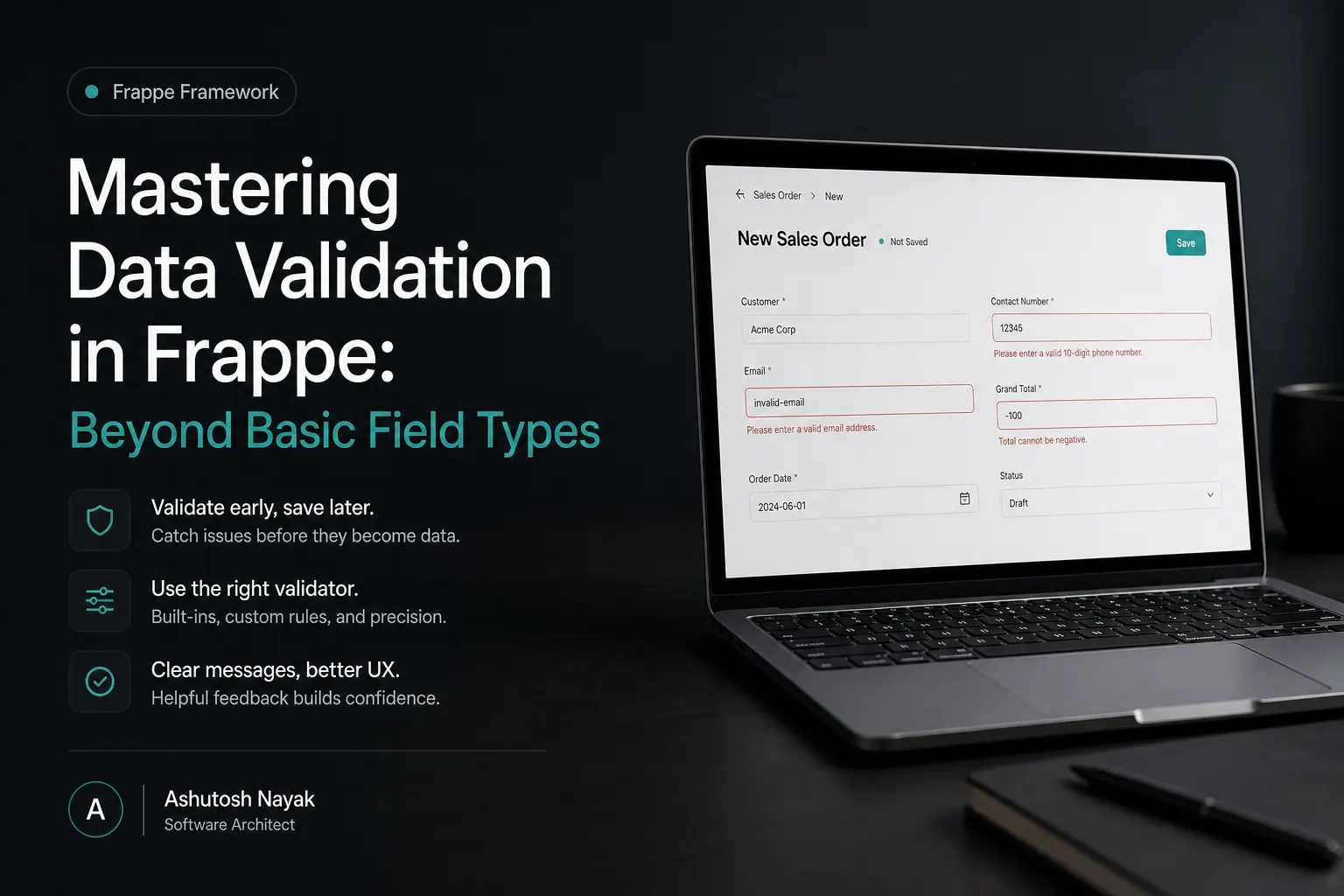
The Foundation: Standard Field Validations
Frappe, the framework powering ERPNext, offers a robust set of built-in field types that come with inherent validation. For example, a Currency field will automatically reject non-numeric input, and a Date field will enforce valid date formats. This is the first layer of defense against erroneous data. You can also set mandatory fields, ensuring that critical information is never left blank.
While these basic validations are essential, they often fall short when dealing with complex business logic or specific data constraints. Imagine a scenario where a Discount Percentage field should not exceed 100%, or a Quantity field must be greater than zero, or even that a specific Email must belong to a certain domain. Relying solely on default types will lead to data inconsistencies and, consequently, flawed business insights and operations.
Python Scripts for Custom Validation Logic
The true power of Frappe lies in its extensibility, particularly through Python scripting. For any doctype, you can define custom validation rules using Python code that executes before a document is saved. This is typically done within the validate method of your doctype's Python file.
Let's consider a practical example: ensuring that a Project End Date is always after the Project Start Date. This is a common requirement in project management.
# In your custom app's doctype file (e.g., your_app/your_app/doctype/project/project.py)

import frappe
from frappe.model.document import Document

class Project(Document):
	def validate(self):
		self.validate_dates()
		# Add other validation methods here

	def validate_dates(self):
		if self.end_date and self.start_date:
			if self.end_date < self.start_date:
				rappe.throw("Project End Date cannot be before Project Start Date.")
In this snippet:
- We define a
validatemethod in theProjectdocument class. This method is automatically called by Frappe before saving. - Inside
validate, we call another custom method,validate_dates, for better organization. - The
validate_datesmethod checks if bothend_dateandstart_dateare present. Ifend_dateis earlier thanstart_date, it raises afrappe.throw(). This will halt the save operation and display the error message to the user.
This approach allows for virtually unlimited custom validation rules, from simple numerical comparisons to complex conditional logic based on multiple fields, user roles, or even external data sources.
Client-Side Validation for Immediate Feedback
While server-side validation (using Python) is crucial for data integrity and security, client-side validation provides immediate feedback to the user, improving the user experience. Frappe allows you to implement client-side scripts using JavaScript.
These scripts can intercept save events and perform checks directly in the browser. This is particularly useful for validations that don't require server-side logic, such as checking for specific text patterns or formatting.
Consider validating an Employee ID to ensure it follows a specific format, like EMP-XXXX.
// In your custom app's doctype file (e.g., your_app/your_app/doctype/employee/employee.js)

frappe.ui.form.on('Employee', {
	refresh: function(frm) {
		// Add custom validation on save
		frm.fields_dict['employee_id'].get_input_field().on('change', function() {
			var employee_id = $(this).val();
			var pattern = /^EMP-\d{4}$/;
			if (employee_id && !pattern.test(employee_id)) {
				frappe.msgprint('Employee ID must follow the format EMP-XXXX (e.g., EMP-1234).');
				// Optionally clear the field or prevent further action
				// $(this).val('');
			}
		});
	}
});
In this JavaScript example:
- We use
frappe.ui.form.onto hook into the 'Employee' doctype. - Inside the
refreshfunction (which runs when the form loads or is refreshed), we attach achangeevent listener to theemployee_idfield's input element. - When the
employee_idchanges, we test it against a regular expression (/^EMP-\d{4}$/). - If the format is incorrect, we display a message using
frappe.msgprint. More sophisticated implementations could prevent the form from being submitted until the validation passes.
Important Note: Client-side validation is for UX enhancement. Never rely solely on it for critical data integrity, as it can be bypassed. Always have corresponding server-side validation.
Leveraging unique and read_only Properties
Frappe's doctype field definitions offer powerful properties like unique and read_only that can significantly aid in data validation and consistency.
-
unique: When set toTruefor a field, Frappe automatically ensures that no two documents of that doctype can have the same value in that field. This is incredibly useful for fields like email addresses, unique product codes, or user IDs. It's a simple yet effective way to prevent duplicate entries at the database level. -
read_only: This property makes a field non-editable once the document is saved (or under specific conditions defined by scripts). This is invaluable for fields that should be set once and never changed, such as acreation_dateor asystem_generated_id. It prevents accidental modification of critical data.
These properties are configured directly in the DocType form within the Frappe UI. You simply check the respective boxes for the fields where you want to enforce uniqueness or read-only status.
Advanced Techniques: The allow_on_submit and fetch_from Properties
Two other often overlooked properties that can influence data validation and integrity are allow_on_submit and fetch_from.
-
allow_on_submit: For mandatory fields, this property determines whether the field can be left blank if the document is being submitted (i.e., becoming read-only after initial creation). Ifallow_on_submitis unchecked for a mandatory field, users will be forced to fill it in even when creating a new document if that document is intended to be immediately submitted. This is useful for ensuring essential information is captured upfront. -
fetch_from: While primarily a data retrieval mechanism,fetch_fromindirectly contributes to data consistency. It allows you to automatically populate a field in one doctype with a value from a linked doctype. For example, if you have aSales Orderlinked to aCustomer, you could fetch theCustomer's Credit Limitinto theSales Order. This reduces manual data entry and ensures you're always referencing the most up-to-date customer information, preventing errors from outdated or manually entered data.
Conclusion: Building Trustworthy Data
Ensuring data integrity is paramount for any business system, and Frappe/ERPNext provides a multi-layered approach to achieve this. Starting with basic field types and mandatory flags, you can progressively add custom Python validation for complex business rules and client-side JavaScript for enhanced user experience. Furthermore, leveraging built-in properties like unique and read_only, along with features like allow_on_submit and fetch_from, strengthens your data validation strategy.
By implementing these advanced validation techniques, you not only prevent errors but also build a system that users can trust, leading to more reliable reporting, better decision-making, and ultimately, more efficient business operations. Investing time in robust data validation is an investment in the accuracy and reliability of your entire Frappe/ERPNext instance.
Related articles

Mastering Data Quality in ERPNext: Beyond Validation Rules
Discover advanced strategies to ensure pristine data quality in ERPNext, going beyond basic validation rules for robust business operations.
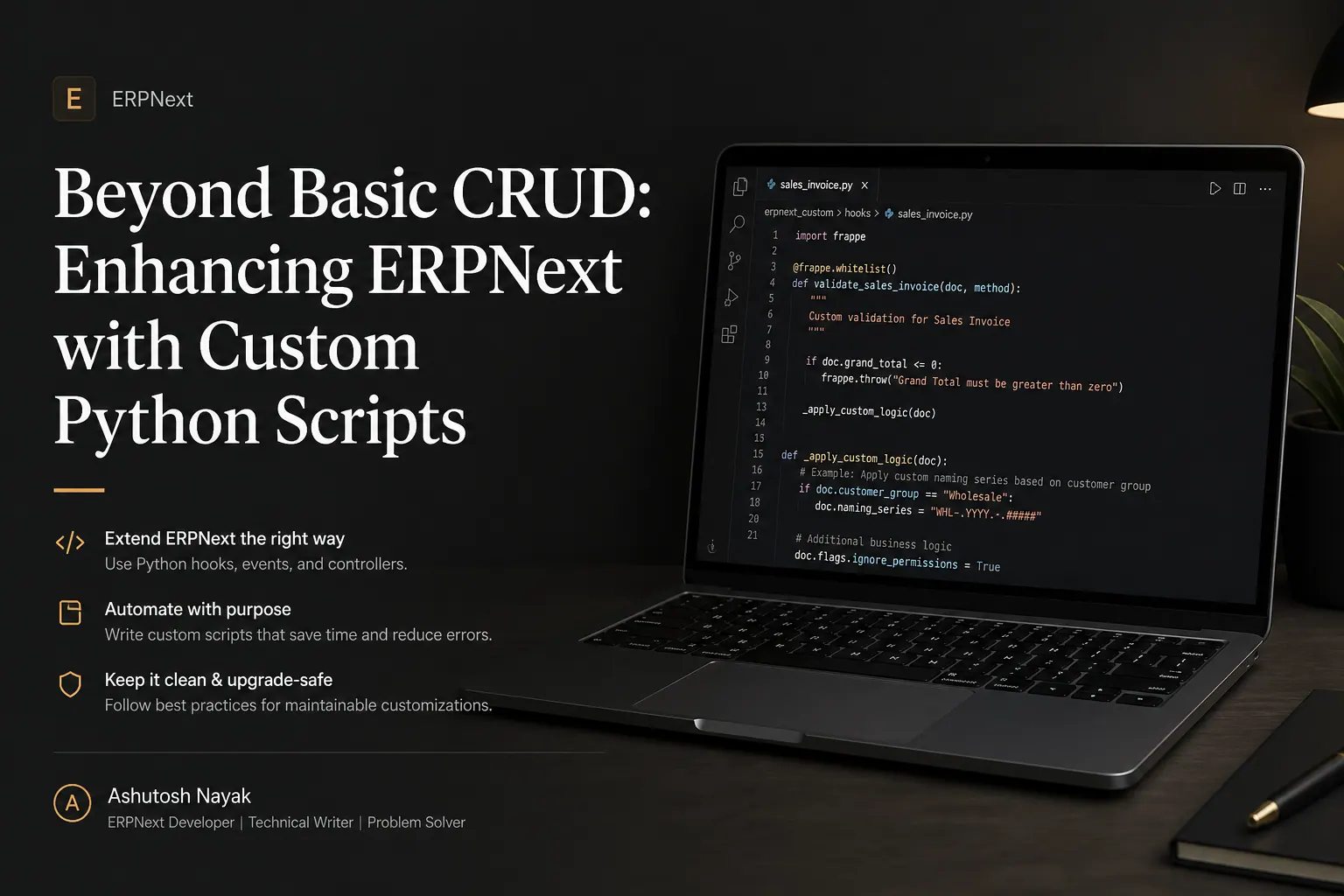
Beyond Basic CRUD: Enhancing ERPNext with Custom Python Scripts
Learn how to go beyond standard ERPNext features by writing custom Python scripts to automate tasks, integrate systems, and tailor your ERP to unique business needs.

Building Dynamic Dashboards with Frappe Charts & Python
Learn how to create insightful, dynamic dashboards in Frappe/ERPNext using the powerful Frappe Charts library and custom Python scripts.
Get new articles in your inbox
Occasional writing on AI, ERP and data analytics — no spam, unsubscribe any time.