 Ashutosh Nayak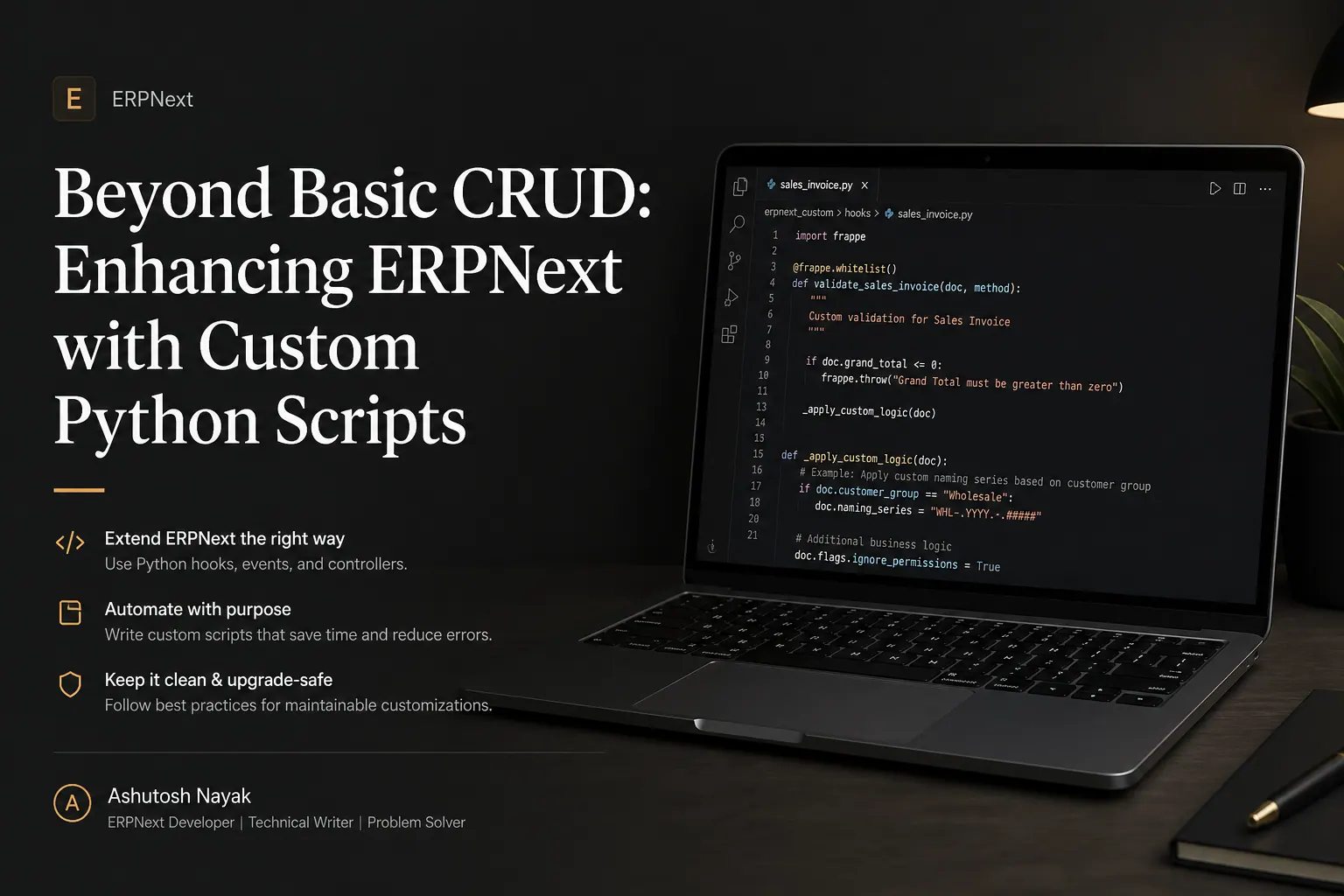
Introduction: The Power of Customization in ERPNext
ERPNext is a powerful, open-source Enterprise Resource Planning system known for its comprehensive features and flexibility. While its out-of-the-box functionality covers a vast array of business processes, every organization has unique workflows and specific requirements. This is where the ability to customize and extend ERPNext becomes invaluable. Ashutosh Nayak, with his expertise as an ERPNext Developer, often emphasizes that true business agility comes from tailoring software to fit the business, not the other way around. This post delves into how custom Python scripts, built within the Frappe framework, can elevate your ERPNext implementation from a standard solution to a strategic business asset.
We'll move beyond basic configurations and explore practical examples of how Python scripting can automate repetitive tasks, integrate with external systems, enforce complex business rules, and generate custom reports, ultimately driving efficiency and providing deeper insights.
Understanding the Frappe Framework and Python Integration
Frappe, the underlying framework for ERPNext, is built on Python and JavaScript. This choice of technology stack is deliberate. Python, with its clear syntax, extensive libraries, and strong community support, makes it an ideal language for developing robust and scalable applications. The Frappe framework provides a structured way to build web applications, and it deeply integrates Python for backend logic.
Key to leveraging custom Python scripts are Frappe's built-in mechanisms for code execution:
- Server Scripts: These are Python scripts that run on the server. They can be triggered by various events, such as creating, updating, or deleting documents, or they can be executed on a schedule. Server scripts are fundamental for automating business logic.
- Client Scripts: While this post focuses on server-side Python, it's worth noting that client-side JavaScript scripts can interact with server scripts and the Frappe API to enhance user experience and perform client-side validations.
- Custom Objects and Methods: Frappe allows you to define custom DocTypes (data models) and then associate custom Python methods with them. This is a powerful way to encapsulate business logic directly related to specific data entities.
- Frappe API: The framework provides a rich API that allows your Python scripts to interact with ERPNext data – creating, reading, updating, and deleting documents, querying data, and more.
By understanding these components, you can begin to visualize how custom Python code can be woven into the fabric of your ERPNext system.
Practical Use Cases for Custom Python Scripts
Let's explore some common scenarios where custom Python scripts can make a significant impact:
1. Automating Complex Business Workflows
Many businesses have multi-step approval processes or conditional workflows that are not fully covered by standard ERPNext settings. Consider a scenario where a Purchase Order needs to be automatically converted into a Purchase Receipt only if the total value exceeds a certain threshold and the vendor has a good payment history (a custom field or related DocType). A server script triggered on the creation of a Purchase Order can perform these checks and automate the subsequent steps.
Example: Imagine a discount approval process. When a Sales Order is created with a discount exceeding 10%, a custom server script can automatically create a 'Discount Approval Request' document and assign it to the Sales Manager. Once approved (a status change on the request document), another script can update the original Sales Order to reflect the approval.
2. Integrating ERPNext with External Systems
Businesses rarely operate in isolation. Integration with third-party services – shipping providers, payment gateways, e-commerce platforms, or other internal systems – is often crucial. Python's extensive libraries (like requests for HTTP APIs) make it an excellent choice for building these integrations.
Example: Automatically syncing inventory levels from ERPNext to an e-commerce platform like Shopify. A scheduled server script can run daily, query the Stock Entry or Item DocTypes for updated stock levels, and then use the requests library to send PUT requests to the Shopify API to update product inventory.
Example: Fetching shipping rates from a carrier's API when a Delivery Note is being prepared. A Python script can take the package dimensions and destination from the Delivery Note, call the carrier's API, and populate the estimated shipping cost field on the Delivery Note.
3. Enforcing Custom Business Rules and Validations
While Frappe offers robust validation mechanisms, some business rules are too specific or complex for standard configurations. This could involve intricate pricing calculations, conditional field visibility, or ensuring data integrity across multiple DocTypes.
Example: A company might have a rule that a customer cannot place a new Sales Order if their outstanding balance exceeds a certain percentage of their credit limit and they have overdue invoices older than 30 days. A server script, triggered when a new Sales Order is submitted, can perform these checks and prevent submission with a clear error message if the conditions are not met.
Example: In a manufacturing context, ensuring that a Work Order cannot be started if critical raw materials are out of stock or if the required machinery is currently undergoing maintenance. A script on the Work Order submit event can check related Stock Balance and Maintenance Schedule data.
4. Generating Custom Reports and Data Analysis
While ERPNext has a powerful reporting module, sometimes you need highly customized reports that combine data in unique ways, perform complex calculations, or present data in a specific format. Python's data manipulation libraries like Pandas can be invaluable here.
Example: Creating a bespoke sales performance report that calculates sales representative quotas, tracks performance against those quotas with custom weighting for different product categories, and visualizes the data using libraries like Matplotlib or Seaborn (though often these are best displayed via custom dashboards or exported). A Python script can query sales data, process it using Pandas, and then either store the results in a custom DocType or generate a downloadable CSV/Excel file.
Developing and Deploying Custom Scripts
Here's a high-level overview of the development process:
- Identify the Need: Clearly define the business problem or the automation opportunity. What are you trying to achieve?
- Choose the Right Trigger: Will the script run on document events (create, update, delete, submit, cancel), on a schedule, or be manually triggered?
- Write the Python Script: Use the Frappe API to interact with DocTypes. Leverage Python's standard libraries and potentially external ones (ensure they are compatible with your Frappe environment).
- Server Scripts: Navigate to
Awesome ⇒ Server Scriptin your ERPNext instance to create and manage these. - Custom Methods: Define methods within custom apps or DocType Python files.
- Server Scripts: Navigate to
- Test Thoroughly: Test your script in a staging or development environment before deploying to production. Test edge cases, error handling, and performance.
- Deploy: Upload or configure the script in your production ERPNext instance.
- Monitor: Regularly monitor the script's execution, especially for scheduled or event-driven scripts, to ensure it's running as expected and not causing performance issues.
Important Considerations:
- Error Handling: Implement robust error handling (try-except blocks) and logging to diagnose issues quickly.
- Performance: Be mindful of script execution time, especially for scripts triggered on frequent events (like
on_update). Optimize queries and logic. - Security: Ensure scripts do not expose sensitive data or create security vulnerabilities. Respect user permissions.
- Maintainability: Write clean, well-documented code. Use meaningful variable names and break down complex logic into smaller functions.
Conclusion: Unleashing ERPNext's Full Potential
Custom Python scripts are not just about adding features; they are about transforming ERPNext into a dynamic, responsive system that perfectly aligns with your business operations. By strategically employing server scripts and Frappe's development capabilities, you can automate mundane tasks, forge vital connections with other software, enforce intricate business logic, and gain unparalleled insights from your data.
As an AI & ML Engineer, Ashutosh Nayak often draws parallels between the adaptability of machine learning models and the flexibility offered by custom scripting in ERP systems. Both allow for tailored solutions to specific problems. While ERPNext provides a solid foundation, it's the ability to build upon it with custom development that truly unlocks its potential. Start small, identify a key pain point, and explore how a custom Python script can provide an elegant and efficient solution. The investment in custom development will pay dividends in efficiency, accuracy, and strategic advantage.
Related articles

Customizing Frappe/ERPNext: Beyond Standard Features
Learn how to extend Frappe/ERPNext beyond its out-of-the-box capabilities using custom modules, scripts, and integrations for tailored business solutions.
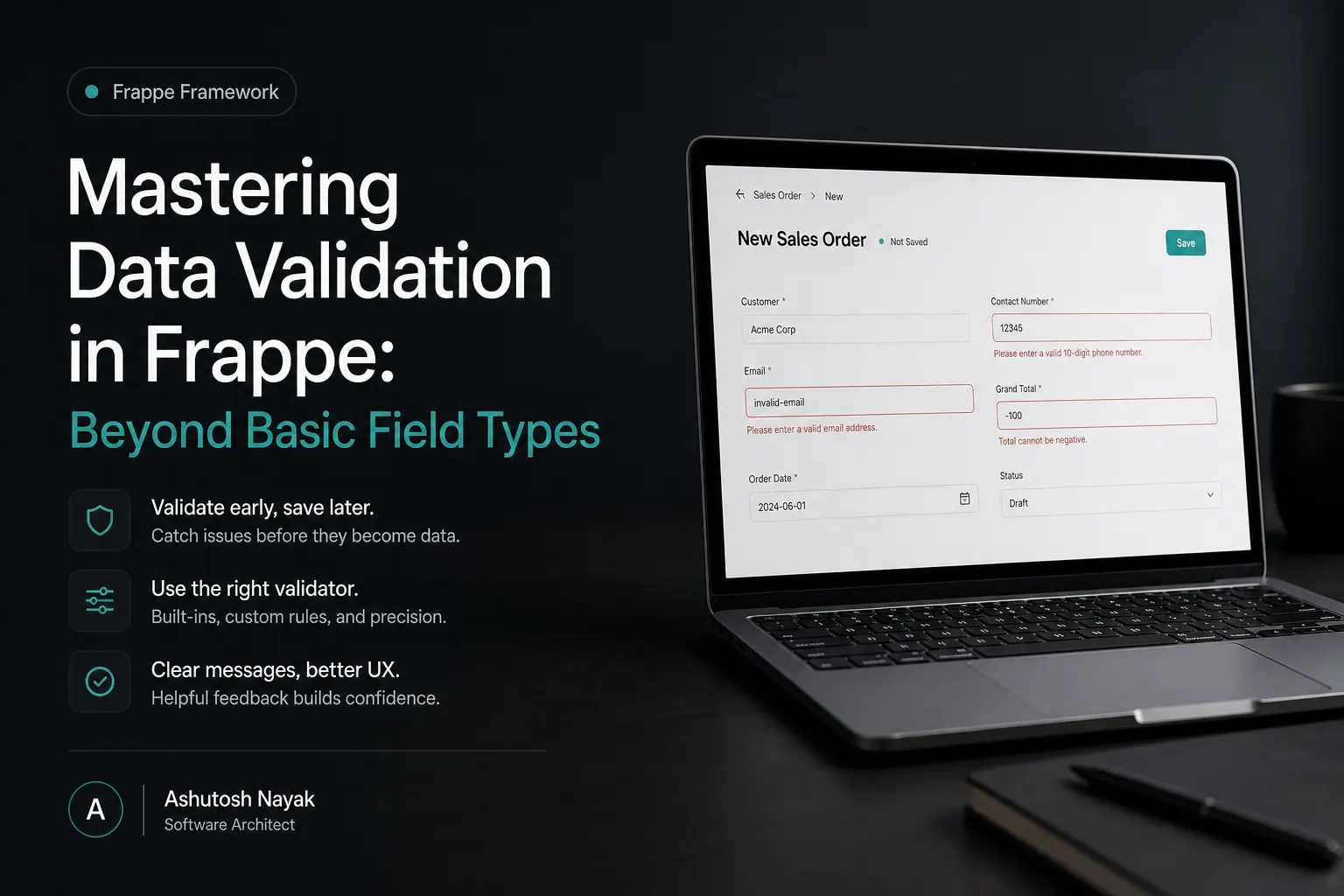
Mastering Data Validation in Frappe: Beyond Basic Field Types
Learn advanced data validation techniques in Frappe/ERPNext to ensure data integrity and build robust applications. Go beyond simple field types.

Building Dynamic Dashboards with Frappe Charts & Python
Learn how to create insightful, dynamic dashboards in Frappe/ERPNext using the powerful Frappe Charts library and custom Python scripts.
Get new articles in your inbox
Occasional writing on AI, ERP and data analytics — no spam, unsubscribe any time.