 Ashutosh Nayak
The Power of Customization in Frappe/ERPNext
Frappe, the underlying web framework for ERPNext, is renowned for its robust feature set and adherence to best practices in software development. ERPNext, built upon this powerful framework, offers a comprehensive suite of modules for various business operations, from accounting and CRM to inventory management and manufacturing. However, no off-the-shelf ERP system can perfectly cater to every unique business requirement. This is where the true power of Frappe and ERPNext customization shines. Going beyond the standard features allows businesses to create a truly tailored solution that aligns precisely with their workflows, enhances user experience, and unlocks new levels of operational efficiency.
This blog post delves into the various approaches to customizing Frappe/ERPNext, empowering you to move beyond the default settings and build solutions that perfectly fit your organization's needs. We'll explore custom modules, custom scripts, and strategic integrations, providing a roadmap for effective customization.
Custom Modules: Building Bespoke Functionality
One of the most impactful ways to customize Frappe/ERPNext is by developing custom modules. A module in Frappe is essentially a self-contained application that can be installed and managed independently within your ERPNext instance. This allows you to add entirely new functionalities or extend existing ones without directly modifying the core ERPNext code, which is crucial for maintainability and future upgrades.
Designing Your Custom Module
Before diving into code, thorough planning is essential. Understand the specific business problem your custom module needs to solve. Map out the required data structures (DocTypes), user interfaces, workflows, and any necessary server-side logic. The Frappe framework provides a declarative approach to defining DocTypes, allowing you to create custom fields, relationships, and permissions with relative ease. You can define forms, lists, reports, and even custom print formats for your new DocTypes.
Developing with Frappe Bench
The bench command-line tool is your primary companion for developing custom modules. Using commands like bench new-app <your_app_name> initiates the creation of a new app directory structure, pre-configured with the necessary files and configurations. Within this app, you'll create your DocTypes (using Python and JSON files), define your server scripts (Python), and design your client-side scripts (JavaScript) and HTML templates.
Integrating with Existing Modules
A well-designed custom module shouldn't operate in a vacuum. It should seamlessly integrate with existing ERPNext modules. Frappe provides hooks and signals that allow your custom code to interact with core ERPNext processes. For instance, you might want to trigger a custom action when a Sales Order is submitted or update a custom field based on inventory levels. By leveraging these integration points, you can ensure that your custom functionality enhances, rather than conflicts with, the existing system.
Custom Scripts: Enhancing Existing DocTypes
For less extensive customization needs, custom scripts offer a powerful way to modify the behavior of existing DocTypes without creating entirely new modules. These scripts can be attached to specific DocTypes and execute at various points in their lifecycle – when a document is saved, before a record is fetched, or even when a button is clicked.
Server Scripts
Server scripts, written in Python, run on the server-side and are ideal for implementing business logic, data validation, calculations, and integrations. You can define these scripts directly within the ERPNext UI under the 'Server Script' doctype. This allows for rapid iteration and testing. For example, you might write a server script to automatically calculate a discount based on customer loyalty points when a quotation is created.
Client Scripts
Client scripts, written in JavaScript, run in the user's browser and are used for enhancing the user interface, providing real-time feedback, and performing client-side validations. You can attach client scripts to specific DocTypes in the UI. Common use cases include dynamically showing or hiding fields based on other field values, performing calculations as the user types, or triggering custom validations before a form can be submitted.
Workflows
While workflows are a standard feature in ERPNext, custom scripts can be used to add more complex conditional logic or actions within these workflows. For example, a custom script could be triggered at a specific workflow state to send a personalized email or update an external system.
Strategic Integrations: Connecting Your Ecosystem
In today's interconnected business environment, ERP systems rarely operate in isolation. Integrating ERPNext with other critical business applications can significantly amplify its value. Frappe's API-first design makes it relatively straightforward to build robust integrations.
REST APIs
Frappe exposes comprehensive REST APIs that allow external applications to interact with your ERPNext data and functionality. You can perform CRUD (Create, Read, Update, Delete) operations on DocTypes, trigger custom scripts, and even initiate workflows. This opens up possibilities for integrating with e-commerce platforms, marketing automation tools, third-party logistics providers, and more.
Webhooks
Webhooks provide a way for ERPNext to notify external applications about events that occur within the system. When a specific event happens (e.g., a new lead is created, an invoice is paid), ERPNext can send an HTTP POST request to a pre-defined URL in your external application. This enables real-time data synchronization and automated actions across different systems.
Custom API Endpoints
For more complex integration scenarios, you can develop custom API endpoints within your Frappe app. This allows you to expose specific business logic or data aggregations from ERPNext in a way that is tailored to the needs of the integrating application.
Best Practices for Customization
While the possibilities for customization are vast, it's crucial to approach it strategically to ensure long-term success:
- Prioritize Core Functionality: Focus on customizations that address critical business needs and provide a clear ROI. Avoid unnecessary complexity.
- Modular Design: Develop custom modules and scripts with modularity in mind. This makes them easier to maintain, test, and upgrade.
- Version Control: Always use a version control system like Git to manage your custom code. This allows for tracking changes, collaboration, and easy rollback if needed.
- Documentation: Document your customizations thoroughly. Explain the purpose, functionality, and any dependencies of your custom modules and scripts.
- Testing: Rigorously test all customizations in a staging environment before deploying them to production. This includes functional testing, performance testing, and security testing.
- Upgrade Strategy: Understand how your customizations will be affected by future ERPNext upgrades. Sticking to custom apps and avoiding direct modification of core ERPNext files is key.
Conclusion
Frappe and ERPNext offer an incredibly flexible platform for businesses seeking a powerful and adaptable ERP solution. By leveraging custom modules, custom scripts, and strategic integrations, you can transform ERPNext from a standard off-the-shelf product into a finely tuned instrument that drives your unique business processes. A well-planned and executed customization strategy ensures that your ERP system not only meets your current needs but also scales and evolves with your business, providing a competitive advantage in an ever-changing market.
Related articles
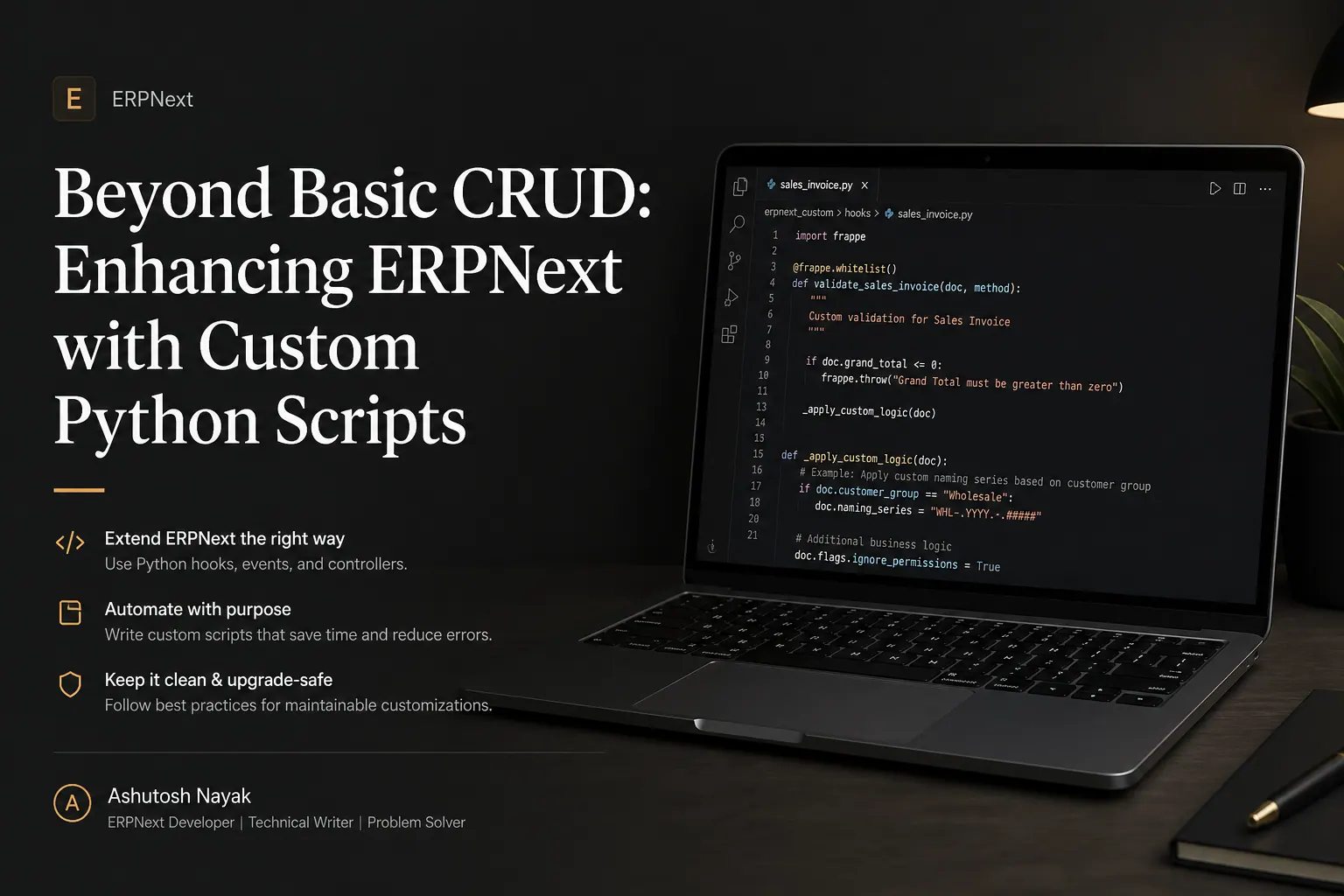
Beyond Basic CRUD: Enhancing ERPNext with Custom Python Scripts
Learn how to go beyond standard ERPNext features by writing custom Python scripts to automate tasks, integrate systems, and tailor your ERP to unique business needs.

Mastering Data Quality in ERPNext: Beyond Validation Rules
Discover advanced strategies to ensure pristine data quality in ERPNext, going beyond basic validation rules for robust business operations.
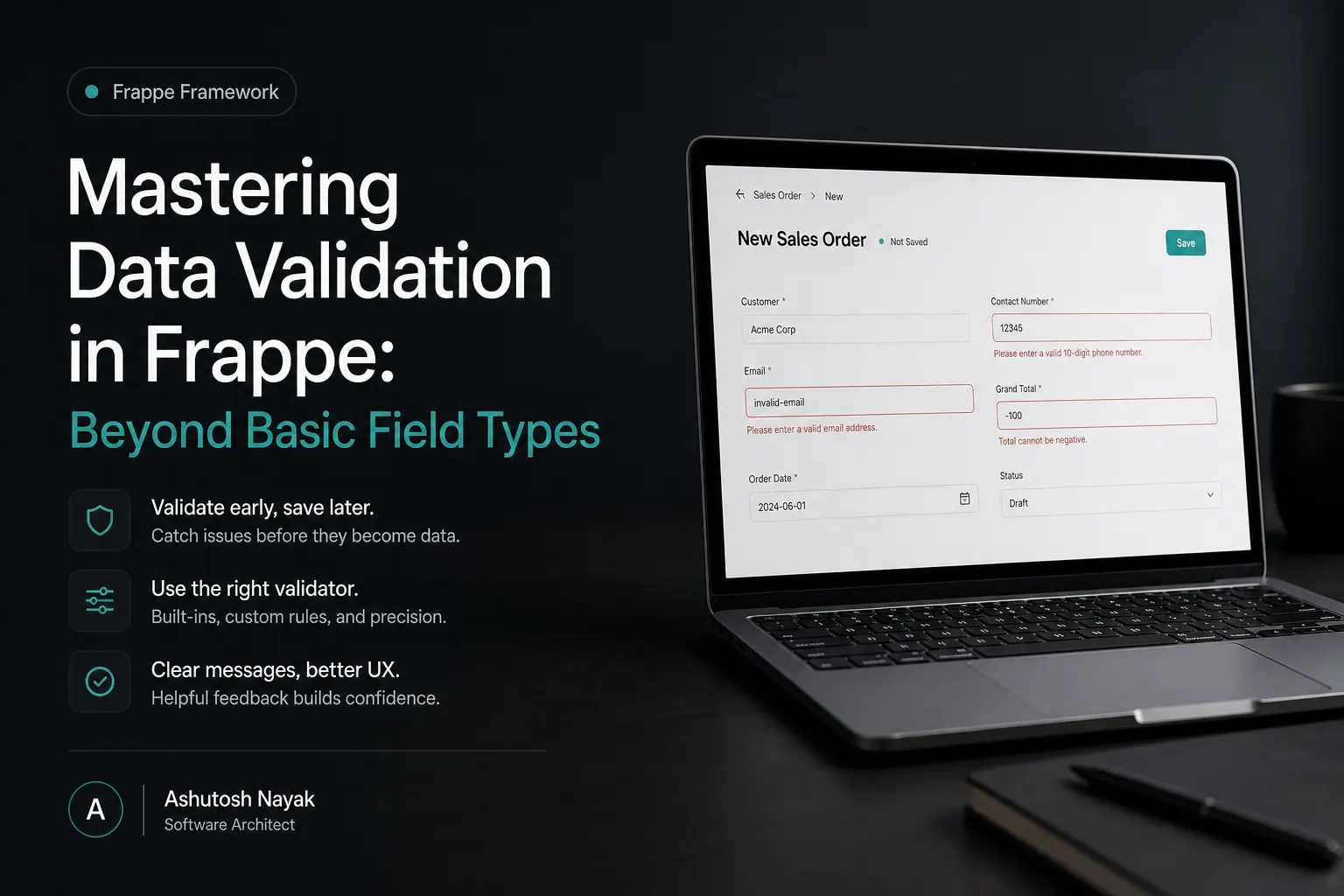
Mastering Data Validation in Frappe: Beyond Basic Field Types
Learn advanced data validation techniques in Frappe/ERPNext to ensure data integrity and build robust applications. Go beyond simple field types.
Get new articles in your inbox
Occasional writing on AI, ERP and data analytics — no spam, unsubscribe any time.