 Ashutosh Nayak
Elevating ERPNext with Custom Python Scripts
ERPNext, a leading open-source ERP system, offers a robust set of features out-of-the-box. However, every business is unique, and off-the-shelf solutions rarely cater to every specific need. This is where the power of custom scripting comes into play, particularly with Python, the primary scripting language for the Frappe framework upon which ERPNext is built. For AI & ML Engineers, Business Analysts, and ERPNext Developers like myself, understanding how to effectively leverage custom Python scripts is key to unlocking the full potential of ERPNext, tailoring it precisely to an organization's operational demands and strategic goals.
This post will delve into why and how you can use custom Python scripts within ERPNext, covering common use cases, best practices, and considerations for implementation. We'll explore how these scripts can enhance data management, automate complex workflows, integrate with external systems, and even pave the way for more advanced analytics and AI-driven insights.
Why Use Custom Python Scripts in ERPNext?
While Frappe's UI and standard customization tools are powerful, there are scenarios where a more direct programmatic approach is necessary or significantly more efficient. Here are several compelling reasons to embrace custom Python scripting:
1. Automating Complex Workflows:
ERPNext excels at workflow automation, but some processes involve intricate logic, conditional branching, or interactions with multiple documents that go beyond the capabilities of standard Doctype triggers or server scripts.
- Example: Imagine a scenario where upon receiving a Sales Order, you need to check stock levels across multiple warehouses, conditionally trigger a Purchase Order creation only if a specific threshold is met for certain items, and then notify different departments based on the product category and order value. A custom script can orchestrate these steps precisely.
2. Integrating with External Systems:
Businesses often rely on a suite of tools, and seamless integration is crucial for data consistency and operational efficiency. Python's extensive libraries make it an ideal choice for connecting ERPNext with third-party applications, APIs, or legacy systems.
- Example: Integrating with a custom shipping provider API to fetch real-time shipping rates, pushing order details to a specialized inventory management system, or pulling customer data from a CRM platform into ERPNext can all be accomplished with Python scripts.
3. Advanced Data Manipulation and Validation:
While ERPNext has built-in validation rules, sometimes you need more sophisticated data checks or transformations before data is saved.
- Example: Validating a complex pricing structure based on client-specific contracts, calculating landed costs dynamically considering multiple factors, or performing data cleansing and enrichment on imported data before it's committed to the database.
4. Generating Custom Reports and Analyses:
Standard reports in ERPNext are comprehensive, but custom analytics often require fetching and processing data in unique ways. Python, combined with libraries like Pandas, can be instrumental here.
- Example: Creating a predictive sales forecast based on historical data and market trends, performing customer segmentation analysis, or generating complex financial statements that require intricate calculations.
5. Implementing Business Logic Specific to Your Industry:
Many industries have unique business rules and processes that aren't standard in a general-purpose ERP. Python scripts allow you to embed this specialized logic directly into your ERP system.
- Example: In a manufacturing setting, calculating production lead times based on machine availability and material delivery schedules, or in a service-based business, automating the allocation of resources based on project requirements and employee skill sets.
Where to Implement Custom Python Scripts in ERPNext?
The Frappe framework provides several hooks and methods for executing custom Python code:
1. Server Scripts:
These are the most common place for custom logic. They can be associated with specific Doctype events (like before_save, on_update, after_insert) or run independently as scheduled jobs or API endpoints. Server scripts are ideal for business logic that needs to run on the server-side, ensuring data integrity and security.
2. Overriding DocType Methods:
For more advanced customizations, you can create a custom app and override core DocType methods. This allows you to inject your Python logic directly into the ERPNext model's behavior, providing a deep level of customization. This approach requires careful consideration to avoid conflicts with future ERPNext upgrades.
3. Custom Apps and Python Modules:
For larger, more complex customizations or reusable logic, creating a dedicated Frappe app is the recommended approach. Within your custom app, you can define Python modules and classes that encapsulate your business logic. These can then be called from server scripts, report builders, or even other apps.
4. Bench Commands:
For batch processing, data migrations, or one-off administrative tasks, you can create custom bench commands. These are executed from the command line and are incredibly powerful for managing your ERPNext instance and its data.
Best Practices for Writing Custom Python Scripts
As with any development, adhering to best practices is crucial for maintainability, scalability, and stability:
1. Modularity and Reusability:
Write small, focused functions rather than monolithic scripts. If a piece of logic is complex or likely to be reused, create a separate function or even a class within a custom app.
2. Error Handling and Logging:
Implement robust error handling using try-except blocks. Log important events, errors, and warnings using frappe.log_error() or frappe.logger(). This is invaluable for debugging and monitoring.
3. Version Control:
Always use a version control system like Git for your custom scripts and apps. This allows you to track changes, revert to previous versions, and collaborate effectively.
4. Avoid Modifying Core Files:
Never directly modify the core ERPNext or Frappe framework files. Use custom apps and overriding methods to introduce your changes. This ensures that you can upgrade ERPNext smoothly without losing your customizations.
5. Performance Considerations:
Be mindful of the performance implications of your scripts, especially those that run on document saves or are triggered frequently. Avoid computationally expensive operations within critical paths. Consider using background jobs (frappe.enqueue) for long-running tasks.
6. Security:
Sanitize any external inputs and be cautious when dealing with sensitive data. Ensure your scripts adhere to the principle of least privilege.
7. Documentation:
Document your code clearly, explaining its purpose, how it works, and any dependencies. This is vital for your future self and for anyone else who might need to maintain the code.
A Practical Example: Dynamic Sales Target Allocation
Let's consider a simple example: dynamically allocating sales targets to salespersons based on their historical performance and current month's open opportunities.
We can implement this as a scheduled server script that runs at the beginning of each month.
Pseudocode:
import frappe
from erpnext.hr.doctype.employee.employee import Employee
from erpnext.sales.doctype.sales_order.sales_order import SalesOrder
from erpnext.accounts.doctype.target_entry.target_entry import TargetEntry # Assuming a custom Doctype for targets

@frappe.whitelist()
def allocate_sales_targets():
    current_month = frappe.utils.today().split('-')[1]
    current_year = frappe.utils.today().split('-')[0]

    # 1. Fetch all active salespersons
    salespersons = frappe.get_list("Employee", filters={"status": "Active", "designation": "Salesperson"}, fields=["name", "user_id"])

    # 2. Calculate total target amount for the month (e.g., from a global setting or sales team goal)
    total_monthly_target = frappe.db.get_single_value("YourCompanySettings", "total_sales_target_this_month")

    if not salespersons or not total_monthly_target:
        frappe.log_error(message="No salespersons or total target found for allocation.")
        return

    # 3. Calculate allocation weights based on past performance (e.g., last quarter sales)
    allocation_weights = {}
    for salesperson in salespersons:
        # Simplified: Fetch total sales for last quarter for this salesperson
        sales_last_quarter = frappe.db.get_value("Sales Invoice", filters={"sales_partner": salesperson['user_id']}, fields="SUM(base_grand_total)")
        allocation_weights[salesperson['user_id']] = sales_last_quarter or 0 # Default to 0 if no sales

    total_performance_weight = sum(allocation_weights.values())

    if total_performance_weight == 0:
        # Distribute equally if no historical data
        equal_share = total_monthly_target / len(salespersons)
        for salesperson in salespersons:
            target_amount = equal_share
            save_target(salesperson['user_id'], target_amount, current_month, current_year)
    else:
        # Allocate based on weights
        for salesperson in salespersons:
            weight = allocation_weights[salesperson['user_id']]
            target_amount = (weight / total_performance_weight) * total_monthly_target
            save_target(salesperson['user_id'], target_amount, current_month, current_year)

    frappe.db.commit()
    frappe.msgprint("Sales targets allocated successfully!")

def save_target(user_id, target_amount, month, year):
    # Check if target already exists for this month/year and update, otherwise create
    existing_target = frappe.get_value("Target Entry", {"employee": user_id, "fiscal_year": year, "month": month})
    if existing_target:
        frappe.db.set_value("Target Entry", existing_target, "target_amount", target_amount)
    else:
        new_target = frappe.get_doc({
            "doctype": "Target Entry",
            "employee": user_id,
            "fiscal_year": year,
            "month": month,
            "target_amount": target_amount,
            "is_monthly": 1 # Assuming this is a field
        })
        new_target.insert()

# This script can be scheduled via 'Scheduled Script' doctype
This example demonstrates how Python can connect different parts of ERPNext (Employees, Sales Invoices, and a hypothetical TargetEntry Doctype) to implement custom business logic.
Conclusion
Custom Python scripts are an indispensable tool for any organization looking to maximize its investment in ERPNext. They bridge the gap between a powerful, general-purpose ERP and the unique, evolving needs of a business. By understanding the capabilities, best practices, and available hooks within the Frappe framework, you can transform ERPNext from a mere data repository into an intelligent, automated engine driving efficiency and growth. As an AI & ML Engineer, I see immense potential in using these scripts as a foundation for integrating more sophisticated AI and machine learning models directly into business processes, leading to truly smart operations.
Related articles

Unlocking ERPNext Potential with Custom Python Scripting
Discover how custom Python scripts can extend ERPNext's capabilities, automate workflows, and drive business efficiency beyond standard configurations.
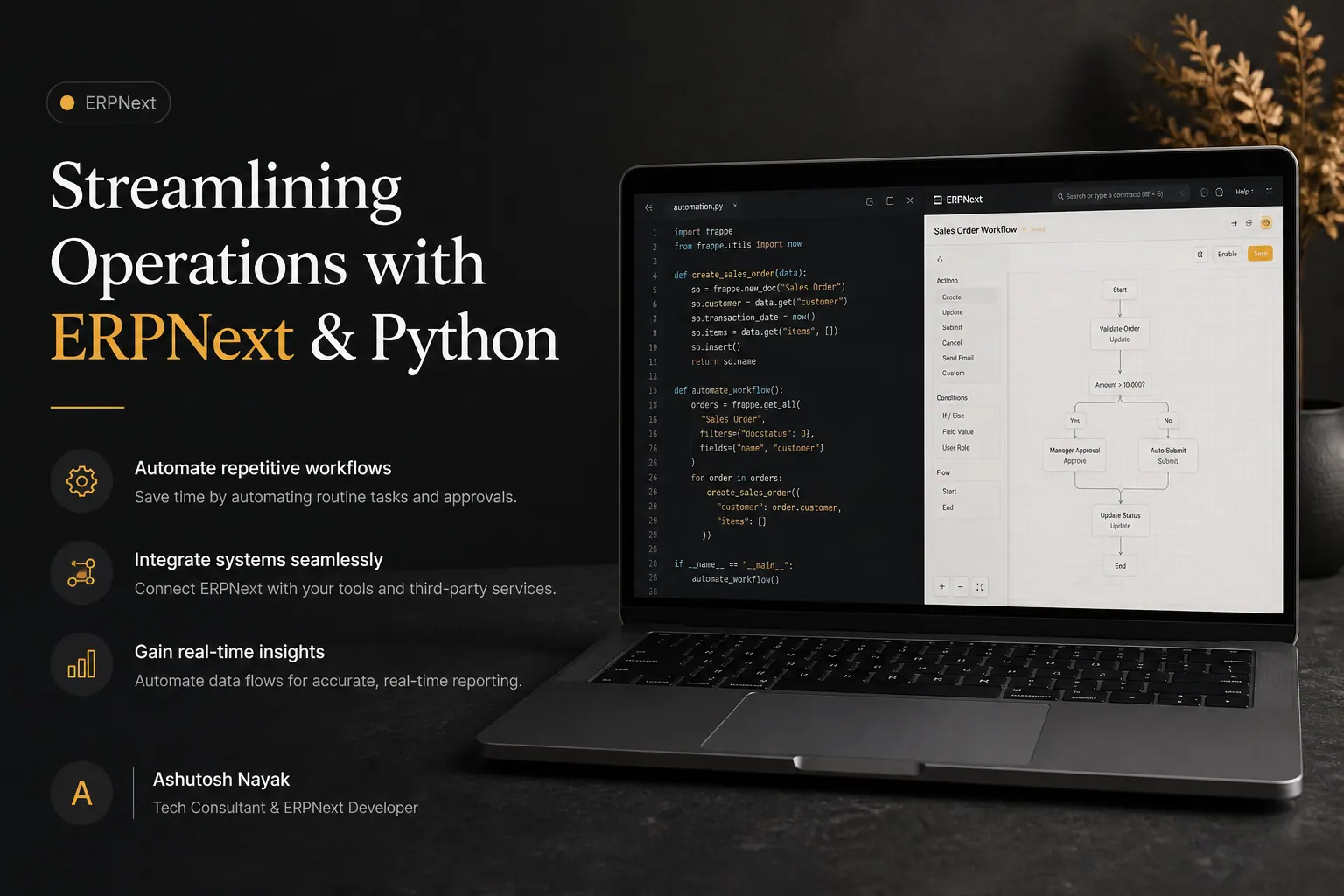
Streamlining Operations with ERPNext & Python
Learn how integrating Python with ERPNext can automate tasks, enhance workflows, and drive efficiency for your business. Unlock the full potential of your ERP.

Empowering ERPNext with Python: Advanced Data Manipulation
Unlock the full potential of your ERPNext data. Learn advanced Python techniques for sophisticated data manipulation, reporting, and automation.
Get new articles in your inbox
Occasional writing on AI, ERP and data analytics — no spam, unsubscribe any time.