 Ashutosh Nayak
Introduction: The Power of Integration
In the dynamic world of business management, efficiency and intelligence are paramount. ERP systems like ERPNext, built on the flexible Frappe framework, provide a robust foundation for managing operations. However, the true power of such systems is unleashed when they can adapt and extend beyond their out-of-the-box capabilities. This is where the synergy between Frappe, Python, and thoughtful development practices becomes indispensable.
As an AI & ML Engineer, Business Analyst, and Frappe/ERPNext Developer, I've seen firsthand how integrating custom Python scripts can transform standard ERP functionalities into highly intelligent, automated workflows. This post will delve into the practicalities of leveraging Python within Frappe, moving beyond basic customizations to build truly smarter business solutions. We'll explore how to approach this integration, common use cases, best practices, and the underlying technical considerations.
Why Python for Frappe Customization?
Python's popularity in the development ecosystem is well-deserved. Its clear syntax, extensive libraries, and strong community support make it an ideal language for extending the capabilities of any platform. For Frappe and ERPNext, Python offers several key advantages:
- Native Integration: Frappe itself is built with Python. This means that custom Python scripts can seamlessly integrate with the framework's core functionalities, accessing and manipulating data, triggering events, and interacting with the UI.
- Vast Libraries: Python boasts an unparalleled ecosystem of libraries for everything from data manipulation (Pandas, NumPy) and machine learning (Scikit-learn, TensorFlow) to natural language processing (NLTK, SpaCy) and API integrations.
- Readability and Maintainability: Python's emphasis on clean code makes custom scripts easier to understand, debug, and maintain over time, crucial for long-term project success.
- Scalability: Python, when implemented correctly within the Frappe architecture, can handle complex logic and significant data volumes, ensuring that your custom solutions can grow with your business.
Common Use Cases for Python Scripts in Frappe/ERPNext
The potential applications for custom Python scripts within Frappe are vast. Here are a few compelling examples that highlight how to build smarter workflows:
1. Advanced Data Processing and Validation
While Frappe provides excellent built-in data validation, complex business rules might require custom logic. Python scripts can be used to:
- Cross-reference Data: Validate data against external sources or complex internal relationships not easily expressed by standard field validation.
- Conditional Logic: Implement sophisticated validation rules that depend on multiple fields, user roles, or even external data points.
- Data Enrichment: Automatically enrich data upon entry. For instance, fetching detailed product information based on a SKU entered, or validating customer addresses against a postal service API.
- Workflow-driven Validation: Trigger validation only when a document reaches a certain stage in its lifecycle.
2. Automated Business Processes
Automating repetitive tasks is a cornerstone of efficiency. Python scripts can automate:
- Report Generation and Distribution: Create custom reports (e.g., complex sales analyses, inventory forecasts) and automatically email them to stakeholders on a schedule.
- Document Creation: Automatically generate sales orders from quotations, purchase orders from stock requests, or delivery notes based on specific triggers.
- Batch Updates: Perform bulk updates on records based on specific criteria, such as updating pricing for a category of products or assigning tasks to a new team.
- Integration with External Systems: Connect Frappe to third-party services. This could involve pushing sales data to a marketing automation platform, pulling shipping updates from a logistics provider, or synchronizing inventory with an e-commerce platform.
3. AI and ML Integrations
This is where the power of AI & ML engineering truly shines within an ERP context.
- Demand Forecasting: Use historical sales data to build predictive models that forecast future demand, informing inventory management and procurement.
- Customer Churn Prediction: Analyze customer behavior and transaction history to identify customers at risk of churning, allowing for proactive retention efforts.
- Intelligent Document Processing: Use NLP to extract key information from invoices, receipts, or other documents for automated data entry.
- Recommendation Engines: Suggest relevant products to customers based on their purchase history or browsing behavior.
- Anomaly Detection: Identify unusual patterns in financial transactions or operational data that might indicate fraud or operational issues.
4. Custom Business Logic and Workflows
Beyond standard ERP functions, Python can implement unique business logic:
- Complex Approval Workflows: Design multi-stage approval processes with dynamic routing based on document values, user roles, or custom conditions.
- Automated Task Assignment: Assign tasks to users or teams based on specific triggers, such as a new support ticket being raised or a project milestone being reached.
- Performance Monitoring: Develop scripts to monitor system performance, resource usage, or key business metrics, and trigger alerts when thresholds are breached.
Implementing Python Scripts in Frappe
Frappe provides several elegant ways to integrate Python code:
- Server Scripts: These are the most straightforward way to run custom Python code on the server. You can create them directly through the Frappe UI (e.g.,
Setup > Server Script). They are ideal for one-off tasks, scheduled jobs, or backend logic triggered by API calls. - DocType Server Scripts: You can attach Python scripts directly to DocTypes. These scripts can be triggered by specific events on that DocType, such as
on_submit,on_cancel,before_save, etc. This is powerful for enforcing custom business rules at the document level. - Custom Apps: For more complex or reusable logic, developing a custom Frappe app is the recommended approach. This involves creating a dedicated module with its own DocTypes, server scripts, client scripts, and more. This promotes modularity, maintainability, and easier deployment.
- Background Workers (RQ): For long-running or resource-intensive tasks (like complex ML model training or large data imports), using Frappe's built-in background job queue (RQ - Redis Queue) is essential. This prevents blocking the main web server and provides a robust way to manage asynchronous operations.
Best Practices for Python Integration
To ensure your custom scripts are robust, maintainable, and secure, follow these best practices:
- Modularity and Reusability: Encapsulate logic into functions and classes. If developing a custom app, structure it logically.
- Error Handling: Implement comprehensive
try-exceptblocks to gracefully handle errors and log them appropriately. Frappe's logging utilities are very helpful here. - Security: Be mindful of what data your scripts access and what actions they perform. Avoid hardcoding sensitive credentials; use environment variables or Frappe's secrets management where possible. Always sanitize user inputs.
- Testing: Write unit and integration tests for your custom scripts, especially for complex logic. This ensures reliability and prevents regressions.
- Documentation: Document your scripts thoroughly. Explain what they do, how to use them, their dependencies, and any potential side effects.
- Performance Optimization: For scripts dealing with large datasets or frequent execution, profile and optimize your code. Leverage background workers for heavy lifting.
- Version Control: Always use a version control system (like Git) for your custom code, just as you would for any other software development project.
- Follow Frappe Conventions: Adhere to Frappe's coding standards and architectural patterns to ensure seamless integration and maintainability.
Conclusion: Building an Intelligent ERP
The combination of Frappe's flexible framework and Python's powerful capabilities opens up a world of possibilities for creating truly intelligent and automated business systems. By thoughtfully integrating custom Python scripts, you can move beyond the standard ERP functionalities to solve specific business challenges, automate complex processes, and leverage the power of AI and ML. Whether you're automating simple data entry tasks or building sophisticated predictive models, the approach remains the same: understand the business need, leverage the right tools, and adhere to best practices. As an AI & ML Engineer and Frappe Developer, I encourage you to explore these possibilities and transform your ERPNext instance into a dynamic, intelligent asset for your organization. The future of business management is integrated, automated, and intelligent – and Python is a key enabler for achieving it within Frappe.
Related articles

Frappe Framework: Beyond the Basics for Scalable ERP
Explore advanced Frappe Framework techniques for building scalable and robust ERPNext customizations, moving beyond standard development.
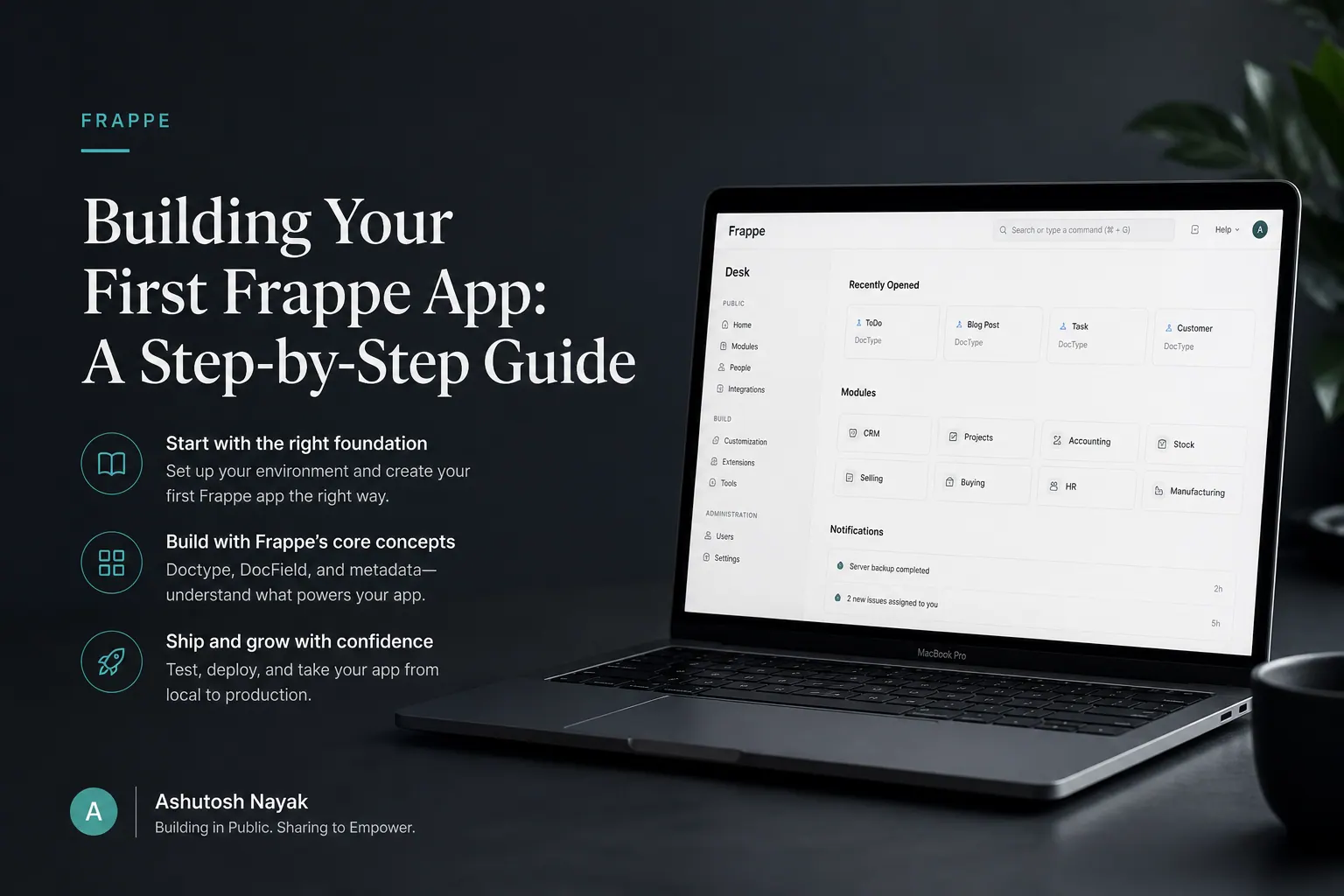
Building Your First Frappe App: A Step-by-Step Guide
Learn how to build your first custom application on the Frappe Framework. This guide covers setup, basic doctypes, and custom forms.

Mastering Data Modeling in Frappe: Beyond Standard DocTypes
Explore advanced data modeling techniques in Frappe, going beyond basic DocTypes for robust and scalable ERPNext applications.
Get new articles in your inbox
Occasional writing on AI, ERP and data analytics — no spam, unsubscribe any time.