 Ashutosh Nayak

Introduction to the Frappe Framework
The modern business landscape demands agility and tailored solutions. Off-the-shelf software often falls short, requiring customization to meet unique operational needs. This is where frameworks like Frappe shine. For professionals like Ashutosh Nayak, who navigates the intersection of AI, business analysis, and ERP development, understanding and leveraging powerful frameworks is crucial. The Frappe Framework, the bedrock upon which ERPNext is built, offers a robust, Python-based platform for rapidly developing web applications with impressive efficiency.
This post will delve into the core concepts of the Frappe Framework, highlighting its architecture, key features, and why it's an excellent choice for building custom business applications, from extensions to ERPNext to entirely new solutions. We'll explore how its conventions, built-in tools, and developer-friendly ecosystem accelerate the development lifecycle.
The Philosophy and Architecture of Frappe
Frappe is more than just a collection of libraries; it's a full-stack web framework with a strong opinion on how applications should be built. Its primary philosophy revolves around rapid application development (RAD) and convention over configuration. This means that by following established patterns and best practices, developers can build complex applications with significantly less boilerplate code.
At its core, Frappe follows a Model-View-Controller (MVC) architectural pattern, although it extends and adapts this for its specific needs. The framework abstracts away much of the low-level complexities of web development, allowing developers to focus on business logic and user experience.
Key Architectural Components:
- DocTypes (Models): This is arguably the most distinctive feature of Frappe. Instead of traditional database schemas defined in SQL, Frappe uses a metadata-driven approach. Each 'DocType' represents a data model (similar to a table in a relational database) and is defined using JSON. This includes fields, their types, validation rules, permissions, and even workflows. This abstraction makes database management dynamic and highly adaptable.
- Client-Side Framework: Frappe uses JavaScript extensively for its frontend. It provides a rich set of UI components and integrates seamlessly with JavaScript frameworks, allowing for dynamic and interactive user interfaces. The framework ensures a consistent look and feel across all applications built on it.
- Server-Side Framework: Written primarily in Python, the server-side handles business logic, API interactions, and database operations. Frappe's Python backend is designed to be intuitive and easy to extend.
- Database Abstraction: While Frappe typically uses MariaDB/MySQL, its architecture provides a layer of abstraction, making it theoretically possible to adapt to other databases with less effort than a traditional framework.
Core Features that Boost Productivity
The Frappe Framework is packed with features that significantly streamline the development process. These aren't just conveniences; they are fundamental aspects that contribute to building robust, scalable applications quickly.
1. Metadata-Driven Development (DocTypes)
As mentioned, DocTypes are central. They allow developers to define data structures, forms, reports, and even print formats directly through the UI or JSON definitions. This approach offers several advantages:
- Rapid Prototyping: Quickly define data models and associated forms without writing extensive SQL or ORM code.
- Dynamic Forms: Forms are automatically generated based on DocType definitions, reducing manual UI coding.
- Built-in Permissions: Granular control over who can create, read, update, or delete records is managed at the DocType level.
- Workflow Engine: Define multi-step approval processes and automate transitions between states.
2. Built-in UI Components and Framework
Frappe comes with a comprehensive set of pre-built UI components that adhere to Material Design principles. This ensures a modern, consistent, and user-friendly interface out-of-the-box. Developers can leverage components like data tables, forms, modals, charts, and more without needing to integrate third-party UI libraries.
3. Powerful API Generation
Frappe automatically generates RESTful APIs for all your DocTypes. This means that as soon as you define a new data model, you have immediate access to standard CRUD (Create, Read, Update, Delete) operations via HTTP requests. This greatly simplifies integrations with other systems and the development of mobile applications or external dashboards.
4. Role-Based Access Control
Security is paramount. Frappe's role-based access control system allows administrators to define roles and assign specific permissions to each role for every DocType. This ensures that users only have access to the data and functionality relevant to their job functions.
5. Customization and Extensibility
While Frappe provides a solid foundation, its true power lies in its extensibility. Developers can:
- Create Custom DocTypes: Define entirely new data structures for unique business entities.
- Write Custom Scripts: Utilize Python for server-side logic (e.g.,
hooks.py, custom controllers) and JavaScript for client-side interactions and validations. - Develop Custom Reports: Build sophisticated reports using Frappe's reporting tools or custom queries.
- Create Print Formats: Design custom layouts for invoices, orders, and other documents.
- Build Custom Apps: Package custom modules and DocTypes into standalone Frappe applications that can be installed on any Frappe instance.
6. Automation Tools
Frappe includes tools for automating tasks, such as scheduled jobs (using scheduler.py), email alerts based on specific events, and the aforementioned workflow engine.
When to Choose Frappe for Custom Development
Given its strengths, Frappe is an ideal choice for several scenarios:
- ERPNext Extensions and Customizations: If you're using ERPNext and need to add specific modules, modify existing workflows, or integrate with third-party services, Frappe is the natural choice. Its architecture is designed to seamlessly accommodate such extensions.
- Business Management Software: Building custom CRM, project management tools, HR systems, or inventory management solutions that go beyond standard ERP functionality.
- Industry-Specific Solutions: Developing niche applications tailored to particular industries (e.g., healthcare, education, manufacturing) where generic software is insufficient.
- Internal Tools: Creating specialized internal tools for data management, reporting, or process automation within an organization.
- Rapid Prototyping of Business Applications: When you need to quickly build and iterate on a business application concept to validate its feasibility.
Development Workflow with Frappe
Developing on Frappe typically involves a structured workflow:
- Environment Setup: Install Frappe bench, the command-line tool for managing Frappe installations and apps.
- App Creation: Use
bench new-appto scaffold a new custom application. - DocType Definition: Define your data models using JSON within your app's
doctypefolder. You can do this directly or via the UI. - UI Development: Leverage Frappe's client-side framework for forms and views. Add custom JavaScript for enhanced interactivity.
- Server-Side Logic: Write Python scripts for custom functions, data validation, and business logic in
*.pyfiles within your app. - Permissions and Workflows: Configure access controls and define business processes.
- Testing: Write unit and integration tests to ensure robustness.
- Deployment: Use
benchcommands to install, migrate, and deploy your application.
Conclusion
The Frappe Framework provides a powerful, opinionated, and highly efficient platform for building custom web applications. Its metadata-driven approach, combined with a rich set of built-in features and a Python backend, significantly accelerates development cycles. For developers and businesses looking to create tailored solutions, whether extending existing ERP systems like ERPNext or building entirely new applications, Frappe offers a compelling and productive choice. By understanding and embracing its conventions, developers can unlock significant potential for innovation and efficiency in their software projects.
Related articles

Frappe Framework: Beyond the Basics for Scalable ERP
Explore advanced Frappe Framework techniques for building scalable and robust ERPNext customizations, moving beyond standard development.
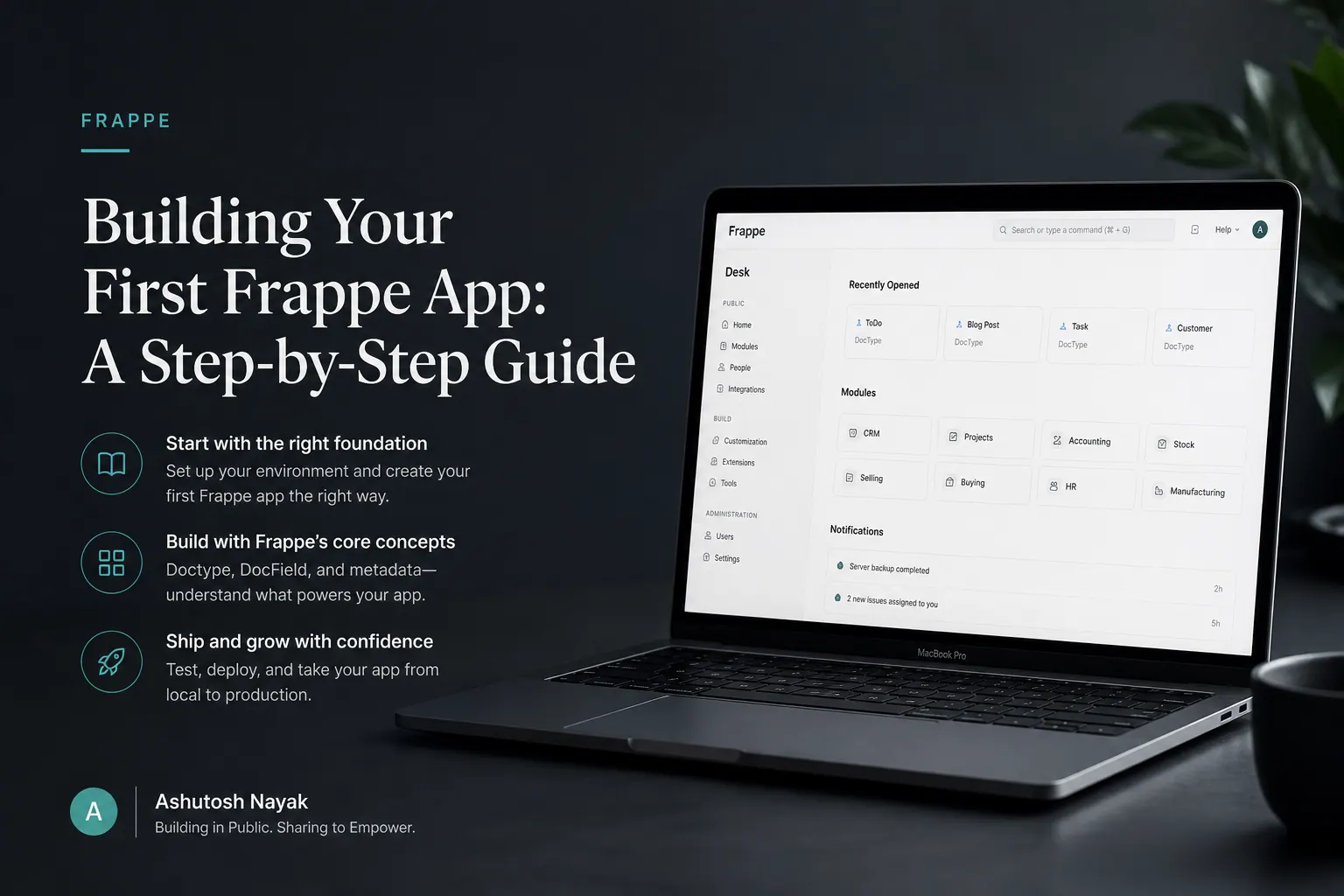
Building Your First Frappe App: A Step-by-Step Guide
Learn how to build your first custom application on the Frappe Framework. This guide covers setup, basic doctypes, and custom forms.

Building Smarter Workflows with Frappe & Python
Learn how to integrate Python scripts into Frappe to automate tasks, enhance data processing, and build more intelligent ERPNext workflows.
Get new articles in your inbox
Occasional writing on AI, ERP and data analytics — no spam, unsubscribe any time.