 Ashutosh Nayak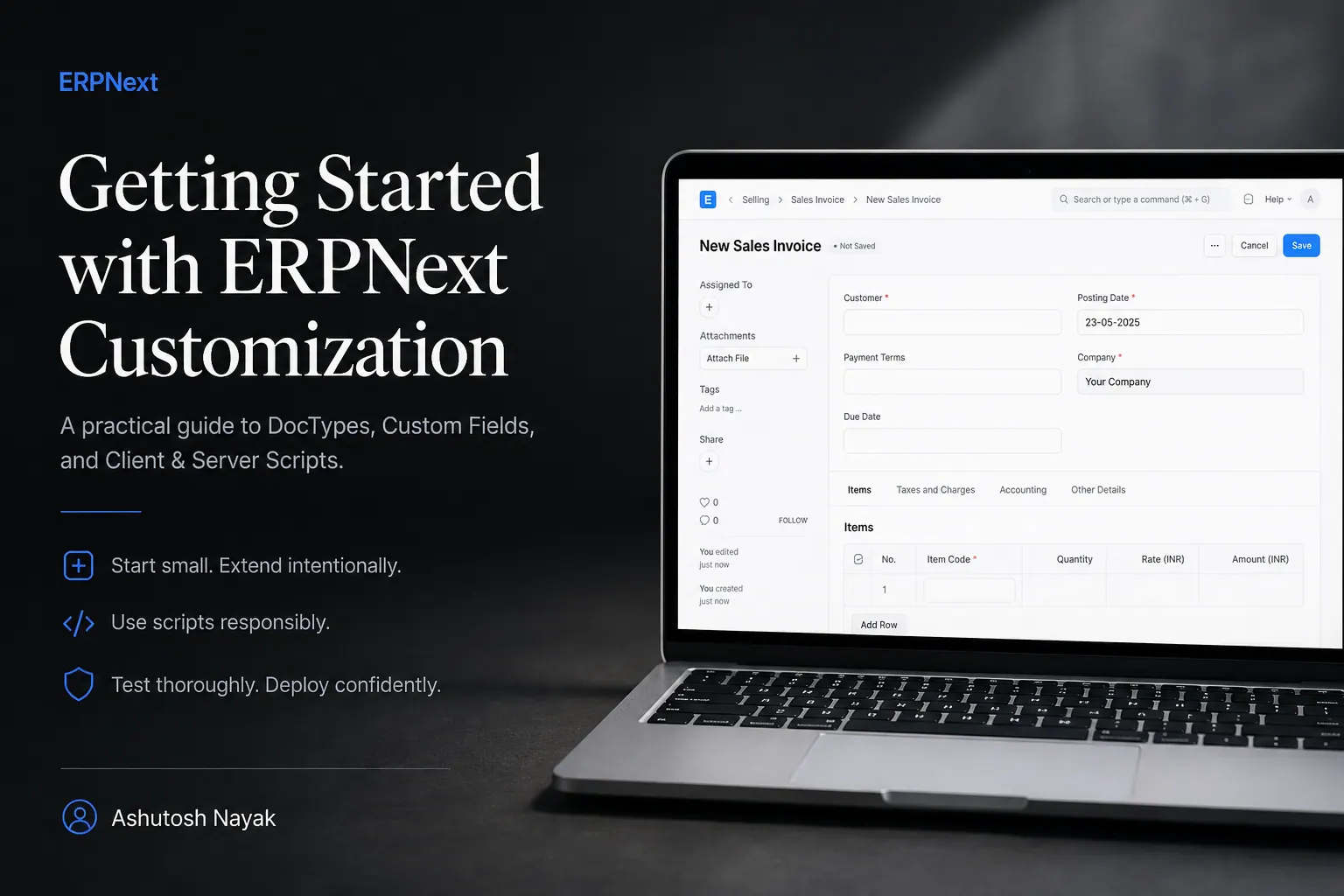
ERPNext is one of the fastest ways to stand up a working ERP for a small or mid-sized business — but the moment a client's process doesn't match the stock workflow, you're customizing. This post walks through the three levers I reach for most often: custom DocTypes, server scripts, and print formats.
Why customize instead of fork
Forking ERPNext's core app is tempting when a workflow feels "almost right." Resist it. Every customization you make through the Frappe framework's own extension points — custom fields, custom DocTypes, hooks, server scripts — survives a bench update without a manual merge. Forking core does not.
Adding a custom DocType
A DocType is Frappe's unit of data modeling — it generates the database table, the form UI, the list view, and the permissions layer from one definition. For a library management system I built recently, Book Reservation needed a status workflow that stock ERPNext doesn't ship with.
import frappe
from frappe.model.document import Document

class BookReservation(Document):
    def validate(self):
        if self.status == "Fulfilled" and not self.fulfilled_on:
            self.fulfilled_on = frappe.utils.now()

    def on_update(self):
        if self.status == "Fulfilled":
            frappe.db.set_value("Library Book", self.book, "available", 0)
The validate hook runs before every save, and on_update runs after — that split matters. Anything that changes this document's own fields belongs in validate; anything that needs to touch other documents belongs in on_update, after the record is already committed.
Scheduled jobs for background work
Fine calculation and membership expiry don't belong in a request/response cycle — they belong in a scheduled job. Frappe's hooks.py makes this a one-line registration:
# hooks.py
scheduler_events = {
    "daily": [
        "library.tasks.calculate_overdue_fines",
        "library.tasks.expire_memberships",
    ]
}# library/tasks.py
import frappe
def calculate_overdue_fines():
overdue = frappe.get_all(
"Book Issue",
filters={"status": "Issued", "due_date": ["<", frappe.utils.today()]},
fields=["name", "due_date"],
)
for row in overdue:
days_late = frappe.utils.date_diff(frappe.utils.today(), row.due_date)
frappe.db.set_value("Book Issue", row.name, "fine_amount", days_late * 2)Print formats that don't fight you
Print formats in Frappe are Jinja templates rendered against the document context. Keep them out of the DocType's own Python file — a separate .html file in print_format is easier to iterate on without redeploying app code.
<div class="print-heading">
  <h2>{{ doc.book_title }}</h2>
  <p>Issued to: {{ doc.member_name }} on {{ frappe.utils.formatdate(doc.issue_date) }}</p>
</div>
Takeaways
- Prefer Frappe's extension points (custom DocTypes, hooks, scheduled events) over forking core.
- Split
validate(this document) fromon_update(side effects on other documents). - Scheduled jobs belong in
hooks.py, not in request handlers.
If you're building an ERPNext customization and want a second opinion on the DocType design before you commit to it, that's usually the highest-leverage conversation to have early.
Related articles

Boosting ERPNext Performance with Python Profiling
Learn how to use Python's cProfile to identify and resolve performance bottlenecks in your Frappe/ERPNext applications.

Unlocking ERPNext Potential with Custom Python Scripting
Discover how custom Python scripts can extend ERPNext's capabilities, automate workflows, and drive business efficiency beyond standard configurations.

Beyond CRUD: Building Intelligent Search in Frappe/ERPNext
Discover how to go beyond basic search in Frappe/ERPNext by integrating AI-powered semantic search for richer, more intuitive data discovery.
Get new articles in your inbox
Occasional writing on AI, ERP and data analytics — no spam, unsubscribe any time.