 Ashutosh Nayak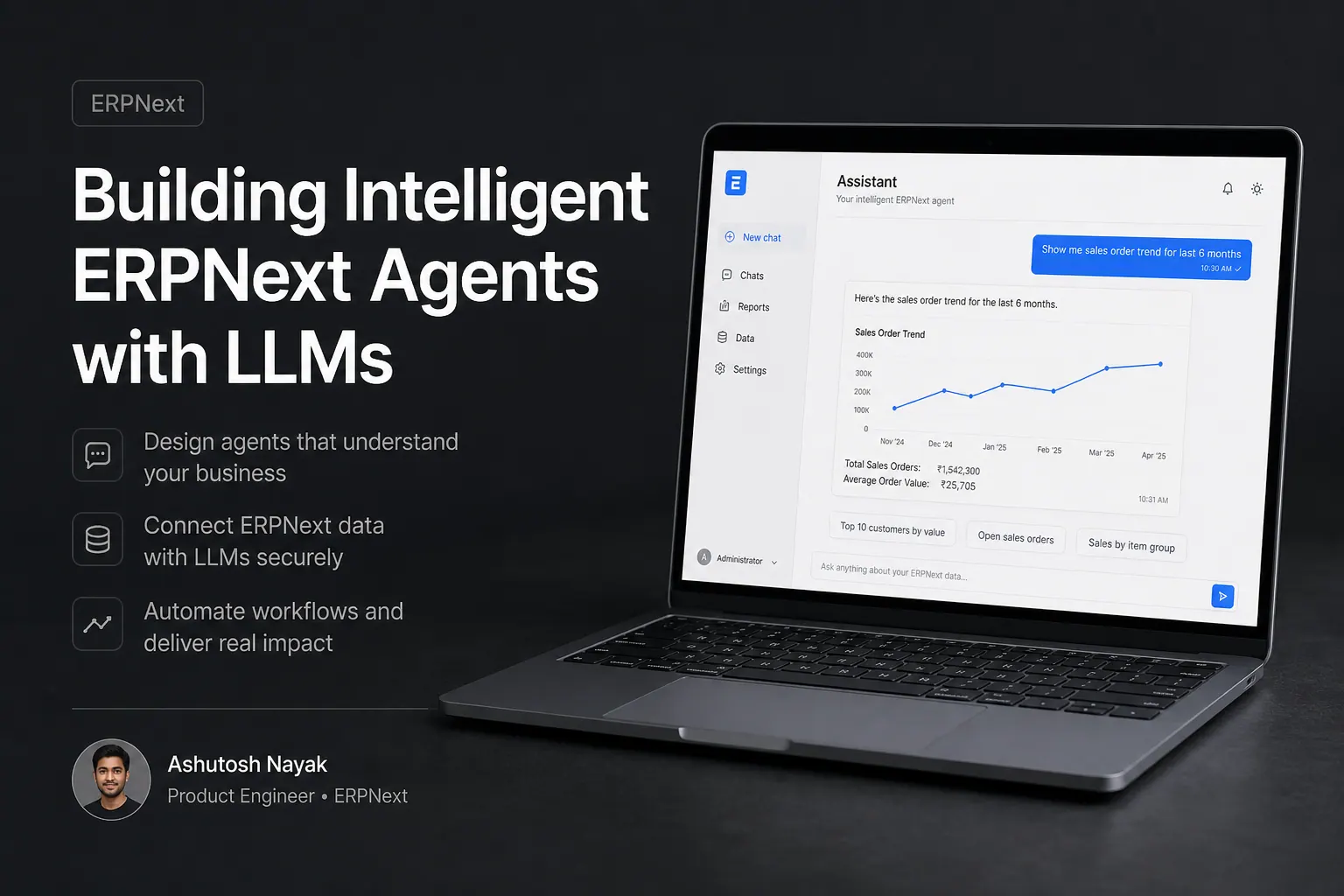
The ERPNext Ecosystem and the Rise of Intelligent Agents
ERPNext, a powerful open-source ERP system, already excels at streamlining business operations. Its modular architecture and extensive features cover everything from accounting to CRM. However, in today's rapidly evolving business landscape, the demand for more proactive, intelligent, and automated solutions is growing exponentially. This is where the integration of Large Language Models (LLMs) into ERPNext can unlock unprecedented levels of efficiency and insight.
Imagine an ERP system that doesn't just store data but actively analyzes it, predicts potential issues, automates complex decision-making, and communicates insights in natural language. This is the promise of agentic AI, and by combining it with the robust foundation of ERPNext, we can create truly intelligent business management tools.
This post will delve into the conceptual framework and practical considerations for building intelligent agents within the ERPNext ecosystem, leveraging the power of LLMs. We'll explore the potential applications, the technical architecture, and the steps involved in bringing these advanced capabilities to your ERPNext instance.
Why Integrate LLMs with ERPNext?
The core strength of ERPNext lies in its structured data management and workflow automation. However, LLMs bring a new dimension of unstructured data understanding, contextual reasoning, and generative capabilities. This synergy opens up a wealth of opportunities:
- Enhanced Data Analysis and Reporting: LLMs can process natural language queries to extract insights from ERPNext data, generating reports and summaries that go beyond predefined dashboards. Instead of complex SQL queries, users could ask, "Show me the top 5 performing products in the last quarter, broken down by region, and identify any potential inventory shortages for the top seller." LLMs can translate this into actionable data retrieval and presentation.
- Automated Customer Support and Communication: LLMs can power chatbots or automated email responders that interact with customers using data from ERPNext's CRM and support modules. They can answer FAQs, track order statuses, and even initiate support tickets, freeing up human agents for more complex issues.
- Intelligent Workflow Automation: LLMs can act as decision-making agents within workflows. For instance, an LLM could analyze incoming purchase orders against inventory levels and supplier performance data in ERPNext to automatically approve or flag them for review.
- Content Generation for Business Processes: From drafting sales quotes to generating product descriptions based on specifications in ERPNext's item master, LLMs can significantly reduce the manual effort required for content creation.
- Predictive Maintenance and Anomaly Detection: By analyzing historical data on equipment usage, maintenance logs, and failure patterns stored in ERPNext's manufacturing or asset modules, LLMs can predict potential equipment failures, allowing for proactive maintenance.
Conceptual Architecture for ERPNext Agents
Building an LLM-powered agent within ERPNext involves several key components:
- ERPNext Backend (Frappe Framework): This is the foundation. We'll interact with ERPNext's data through its robust API (REST API, Python SDK) or directly via its database layer (if necessary and with caution).
- LLM Integration Layer: This layer handles the communication with an LLM provider (e.g., OpenAI, Google AI, or an open-source model hosted locally). It will involve prompt engineering, managing API calls, and parsing LLM responses.
- Agent Orchestration: This is the brain of the agent. It defines the agent's goals, tools, and reasoning process. Frameworks like LangChain or LlamaIndex are invaluable here.
- Tools/Capabilities: These are specific functions or access points that the LLM agent can utilize. In the context of ERPNext, these tools would be:
- ERPNext Data Fetcher: Functions to retrieve specific data points or lists of records (e.g.,
get_sales_orders,get_customer_details,get_item_stock). - ERPNext Data Writer/Updater: Functions to create or modify records (e.g.,
create_support_ticket,update_stock_level,log_activity). This requires careful permission management. - Natural Language Query Translator: A component that translates user-generated natural language requests into structured queries that the ERPNext Data Fetcher can understand.
- Report Generator: A tool to compile retrieved data into human-readable reports or summaries.
- ERPNext Data Fetcher: Functions to retrieve specific data points or lists of records (e.g.,
- User Interface (Optional but Recommended): A way for users to interact with the agent, whether it's a chatbot interface, a custom button in an ERPNext form, or an external application.
Practical Steps to Building an ERPNext Agent
Let's outline a potential workflow for creating a simple agent, for example, one that answers stock availability queries:
Step 1: Define the Agent's Goal and Scope
Our goal is to enable users to ask about stock availability in natural language. The agent should access ERPNext's Item and Stock Ledger Entry doctypes.
Step 2: Choose Your LLM and Integration Method
For this example, let's assume we're using OpenAI's GPT model. We can integrate via their API. For orchestration, LangChain is a good choice.
Step 3: Develop ERPNext Tools
We need Python functions that LangChain can call. These functions will interact with ERPNext.
-
get_item_stock(item_code): This function would use the Frappe Python client or make a REST API call to fetch stock information for a givenitem_code. It should return a structured dictionary or JSON object containing available quantity, warehouse, etc.# Example using Frappe Client (assumes running within Frappe environment or configured) import frappe def get_item_stock(item_code): try: stock_balance = frappe.db.get_value("Stock Ledger Entry", { "item_code": item_code, "is_cancelled": 0 }, "qty", order_by="posting_date desc, posting_time desc") # Simplified - real scenario needs aggregation # More robust approach would involve fetching aggregated stock from Item doctype or specific warehouse queries. # For demonstration, let's assume we query Item doctype for simplicity: item_doc = frappe.get_doc("Item", item_code) return { "item_code": item_code, "stock_qty": item_doc.stock_qty, "warehouse": "All Warehouses" # Needs refinement for specific warehouses } except Exception as e: return {"error": str(e)} -
list_available_items(search_term): A function to search for items based on a partial name or code.
Step 4: Set up the LLM Agent with LangChain
Using LangChain, we'll define an agent that can use these tools.
# Example using LangChain (conceptual)
from langchain.agents import AgentType, initialize_agent, Tool
from langchain.llms import OpenAI

# Assuming get_item_stock and list_available_items are defined and accessible

# Define tools for the agent
tools = [
    Tool(
        name="ItemStockChecker",
        func=get_item_stock,
        description="Useful for checking the current stock quantity of a specific item code."
    ),
    Tool(
        name="ItemSearcher",
        func=list_available_items,
        description="Useful for searching for items by name or code."
    )
]

# Initialize the LLM
llm = OpenAI(temperature=0)

# Initialize the agent
agent = initialize_agent(tools, llm, agent=AgentType.ZERO_SHOT_REACT_DESCRIPTION, verbose=True)

# Example usage:
# query = "What is the stock availability for ITEM001?"
# response = agent.run(query)
# print(response)
Step 5: Integrate into ERPNext
This is where it gets specific to Frappe/ERPNext. We could:
- Create a custom DocType: A "AI Agent Request" DocType where users can input queries. A server script or a custom app could trigger the LangChain agent.
- Add a custom button/field: On relevant DocTypes (like Sales Order or Purchase Order), add a button that, when clicked, sends context to the agent.
- Develop a custom page/report: A dedicated interface for interacting with the AI agent.
For the stock availability example, a custom page or a chatbot integrated via a custom DocType would be suitable. The custom page would take user input, send it to the LangChain agent (hosted perhaps as a separate microservice or within the Frappe app if feasible), and display the LLM's response, which would have used the get_item_stock tool.
Challenges and Considerations
- Data Security and Privacy: LLM calls, especially to external services, must be handled with care. Sensitive ERP data should ideally be processed within a secure environment or anonymized if sent externally. On-premise LLM solutions can mitigate some risks.
- Prompt Engineering: Crafting effective prompts is crucial for getting accurate and relevant responses from the LLM. This is an iterative process.
- Tool Design: Tools need to be robust and handle various edge cases. Error handling in the Python functions that interact with ERPNext is paramount.
- Cost: Using cloud-based LLM APIs incurs costs based on usage. For high-volume applications, consider cost optimization strategies or self-hosted models.
- Performance: LLM inference can be slow. For real-time applications, consider latency and caching strategies.
- User Experience: The integration should be seamless and intuitive. Users shouldn't need to be AI experts to benefit from these agents.
- ERPNext API Limitations: While ERPNext has a comprehensive API, complex business logic might require direct database interaction or custom Frappe functions.
The Future: Towards Autonomous ERP Agents
The initial steps involve creating agents that assist users. The ultimate goal is to build autonomous agents that can monitor ERPNext processes, identify opportunities or risks, and take automated actions with minimal human oversight. This could range from dynamic pricing adjustments based on market trends and inventory levels to proactive lead nurturing based on customer engagement data.
By thoughtfully integrating LLMs into the ERPNext framework, businesses can transform their ERP system from a passive data repository into an active, intelligent partner, driving innovation and efficiency across all operations. The journey involves technical expertise, careful planning, and a clear vision of how AI can augment traditional business processes.
Related articles
Empowering ERPNext with Custom AI-Driven Insights
Learn how to integrate custom AI models into ERPNext to unlock advanced business insights and automate complex decision-making processes.

Beyond Basic Search: Building Semantic Search in ERPNext
Enhance ERPNext search capabilities with semantic search, leveraging embeddings and vector databases for more relevant and context-aware results.

Unlocking ERPNext Potential with Custom Python Scripting
Discover how custom Python scripts can extend ERPNext's capabilities, automate workflows, and drive business efficiency beyond standard configurations.
Get new articles in your inbox
Occasional writing on AI, ERP and data analytics — no spam, unsubscribe any time.