 Ashutosh Nayak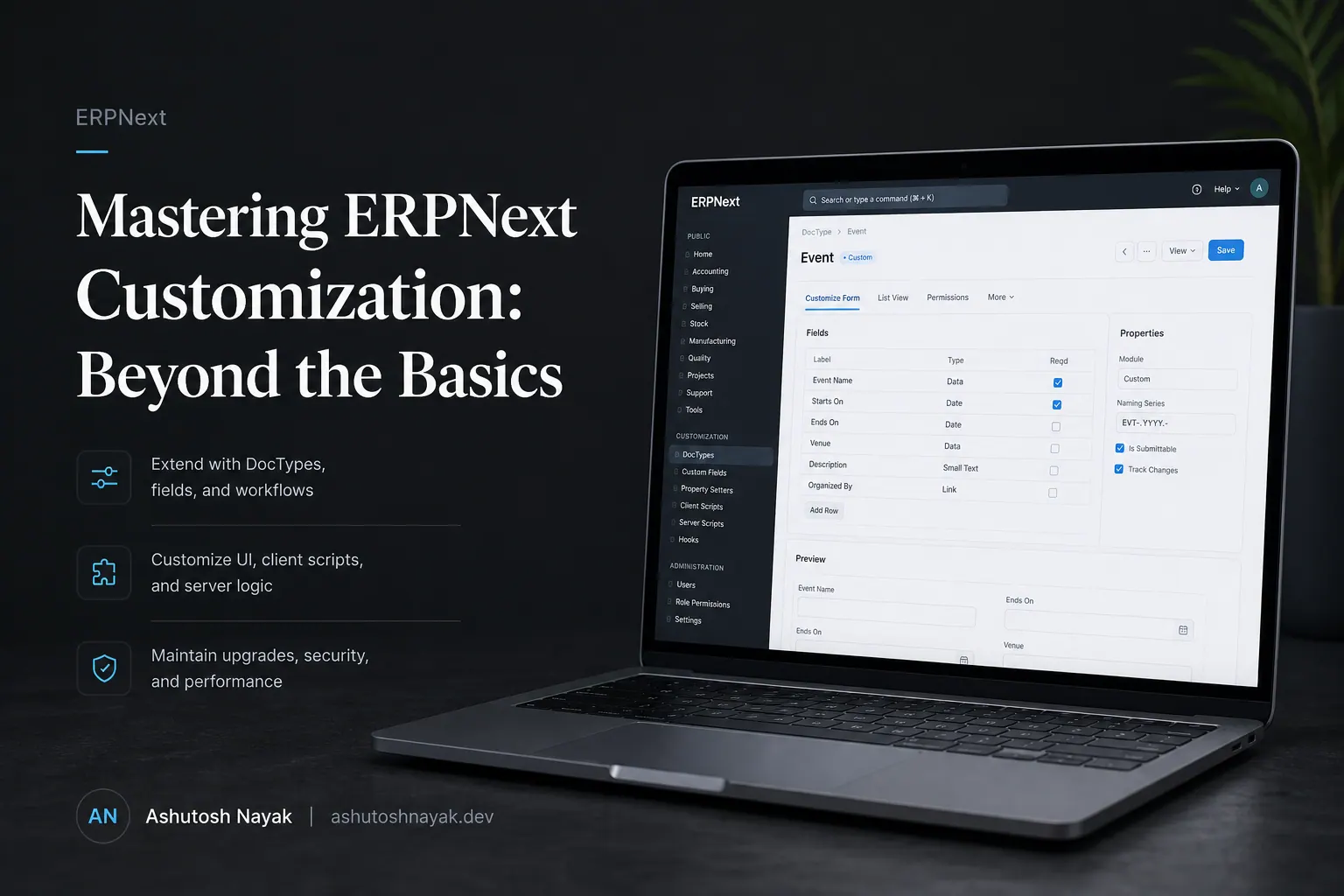
The Power of Customization in ERPNext
ERPNext is a powerful, open-source ERP system that has gained significant traction due to its flexibility and comprehensive feature set. For many businesses, the out-of-the-box functionality is sufficient. However, as businesses grow and their processes become more complex, the need for deeper customization arises. This is where understanding the nuances of ERPNext customization becomes paramount. This post will delve into advanced techniques and best practices to tailor ERPNext to your unique operational requirements, moving beyond simple configuration settings.
Beyond Standard DocTypes: Understanding the Frappe Framework
The true magic behind ERPNext's customizability lies in the Frappe Framework. While most users interact with ERPNext through its user interface, developers leverage the underlying framework to extend its capabilities. At its core, Frappe is a full-stack web framework built on Python and MariaDB (or MySQL). Understanding its key components is the first step towards effective customization:
- DocTypes: These are the building blocks of any Frappe application, representing the data structures (like Sales Invoice, Customer, Item). Customizing DocTypes involves adding new fields, modifying existing ones, setting up validation rules, and defining child tables.
- Server Scripts: These Python scripts allow you to execute custom logic on the server-side, triggered by various events (e.g., before_save, after_insert). They are essential for implementing complex business rules, automating workflows, and integrating with external systems.
- Client Scripts: Written in JavaScript, client scripts run in the user's browser. They are used for enhancing the user interface, performing client-side validations, and creating dynamic user experiences.
- Workflows: Frappe's workflow engine allows you to define multi-step approval processes for various documents. Customizing workflows can streamline approvals and ensure compliance.
- Print Formats: These control the appearance and layout of printed documents (invoices, reports, etc.). Advanced customization allows for highly branded and informative printouts.
Advanced Customization Techniques
1. Custom DocType Fields and Logic
While adding standard fields to a DocType is straightforward, advanced customization involves understanding field properties like depends_on, mandatory, unique, bold, and read_only. More powerfully, you can use fetch_from to automatically populate fields from related documents. For instance, when a new Sales Order is created for a customer, fetching the customer's credit limit directly into the Sales Order can prevent overselling.
Beyond simple fetching, fetch_from can be chained to pull data from multiple levels deep. For example, customer.default_shipping_address might pull the address from the Customer DocType.
2. Server Scripting for Business Logic
Server scripts are your best friend for implementing custom business logic that cannot be achieved through configuration alone. Consider a scenario where you need to automatically create a Production Plan whenever a Sales Order for a manufactured item is submitted. This would involve writing a server script attached to the Sales Order DocType's on_submit event.
The script would query the Sales Order items, identify manufactured items, and then programmatically create new Production Plan documents, linking them back to the Sales Order. This automation reduces manual data entry and ensures timely production planning.
Another common use case is enforcing complex pricing rules or applying discounts based on customer segments, order volume, and promotional periods. These rules can be implemented within the Sales Invoice or Sales Order's validate or before_save server scripts.
3. Leveraging the REST API and Custom Apps
For more complex requirements or integrations, developing custom Frappe apps is the recommended approach. This modularizes your customizations, making them easier to manage, upgrade, and deploy. Frappe apps can introduce entirely new DocTypes, modules, and features.
Furthermore, ERPNext exposes a powerful REST API. This allows external applications to interact with your ERP data. You can use the API to build custom dashboards, mobile applications, or integrate ERPNext with other software like CRM systems or e-commerce platforms. For example, an e-commerce website could use the API to create Sales Orders in ERPNext automatically when a customer places an order online.
4. Custom Reports and Dashboards
While ERPNext offers many standard reports, businesses often need custom reporting to gain specific insights. Frappe allows you to create custom reports using Python or SQL. You can define the data sources, filters, columns, and even graphical representations.
For more visual analysis, you can create custom dashboards. These dashboards can aggregate data from various reports and DocTypes, providing a high-level overview of key performance indicators (KPIs). For instance, a sales manager might want a dashboard showing outstanding sales orders, pending payments, and sales team performance.
5. Optimizing Print Formats
Standard print formats might not always meet branding or informational needs. ERPNext's print format customization, using Jinja templating, allows for significant control. You can embed custom HTML, CSS, and even fetch data dynamically using Jinja functions. This is useful for creating detailed packing slips, specialized invoices with specific legal disclaimers, or purchase orders tailored to supplier requirements.
Best Practices for Customization
- Use Custom Apps: Whenever possible, encapsulate your customizations within custom Frappe apps. This keeps your core ERPNext installation clean and makes upgrades much smoother.
- Version Control: Use Git for all your custom code. This allows you to track changes, revert to previous versions if something goes wrong, and collaborate effectively with other developers.
- Thorough Testing: Test all customizations rigorously in a staging environment before deploying them to production. This includes unit testing for scripts and end-to-end testing of business processes.
- Documentation: Document all your customizations, especially complex server scripts and custom apps. This will be invaluable for future maintenance and troubleshooting.
- Performance Considerations: Be mindful of the performance impact of your customizations. Inefficient server scripts or overly complex queries can slow down your system. Optimize your code and database interactions.
- Stay Updated: Keep your ERPNext and Frappe Framework versions updated. Newer versions often include performance improvements, security patches, and new features that can simplify your development.
Conclusion
Customizing ERPNext effectively is a skill that combines a deep understanding of the Frappe Framework with solid software development practices. By mastering DocType configurations, server and client scripting, custom app development, and reporting tools, you can transform ERPNext from a general-purpose ERP into a highly specialized system that perfectly aligns with your business's unique operations. This level of tailored functionality is key to achieving maximum efficiency, data accuracy, and a competitive edge in today's dynamic business landscape.
Related articles

Frappe Query Builder: Simplifying ERPNext Customization
Learn how to leverage the Frappe Query Builder for efficient and readable custom queries in ERPNext, enhancing your development workflow.

Boosting ERPNext Efficiency with Custom UI Actions
Learn how to create custom UI actions in Frappe/ERPNext to streamline workflows and enhance user productivity. A practical guide for developers.

Unlocking ERPNext Potential with Custom Python Scripts
Learn how to leverage custom Python scripts to extend ERPNext functionality, automate tasks, and gain deeper business insights. Essential for developers and power users.
Get new articles in your inbox
Occasional writing on AI, ERP and data analytics — no spam, unsubscribe any time.